Free Circuit Design Software
Free Circuit Design Software: Your Guide to Powerful, No-Cost Tools
Hey there, future inventor! Are you ready to dive into the world of electronics without draining your wallet? Finding the right tools is the first big step, and thankfully, the barrier to entry has never been lower. We're talking about excellent Free Circuit Design Software that rivals professional paid packages.
Whether you are a student, a hobbyist, or a seasoned engineer looking for open-source alternatives, the market is brimming with powerful choices. This comprehensive guide will walk you through the very best free tools available, helping you move from concept to complete PCB layout without spending a dime.
Why Choose Free Circuit Design Software?
The primary reason most people explore free options is obvious: budget. High-end proprietary software can cost thousands of dollars, making it inaccessible for beginners or small projects. However, "free" doesn't mean "basic" anymore.
Many of these free platforms, particularly open-source projects, benefit from massive community support and continuous updates. They often offer advanced features like real-time simulation, extensive component libraries, and professional PCB layout capabilities. Choosing free software reduces financial risk and allows you to test your skills across multiple platforms before committing to a specific workflow.
Furthermore, many universities and educational programs specifically utilize these accessible tools. This means that learning on a platform like KiCad or Fritzing gives you skills directly transferable to academic or future professional environments.
Top Picks for Free Circuit Design Software
The best software for you depends entirely on your needs—are you looking for quick schematic sketching, or are you designing a complex multilayer PCB? Let's break down the top contenders based on their accessibility and features.
Browser-Based Wonders: Easy Access Circuit Design
If you prefer speed and zero installation headaches, browser-based tools are your best friends. These tools are fantastic for quickly testing ideas, collaborating, and learning basic concepts.
The immediate benefit of using these online tools is that they run smoothly on almost any operating system, including ChromeOS, macOS, and Windows. They are perfect for educational purposes where installation permissions might be limited.
EasyEDA: The Collaborative Cloud Solution
EasyEDA is frequently cited as one of the best choices for free, cloud-based electronic design automation. It's incredibly intuitive and integrates smoothly with PCB manufacturing services, streamlining your entire design-to-production process.
What makes EasyEDA a powerful piece of Free Circuit Design Software?
- It offers full schematic capture capabilities.
- It includes powerful spice simulation features.
- There is an extensive library of components, many linked directly to manufacturer parts.
- It allows for professional multilayer PCB layout design.
Even though it lives in your browser, EasyEDA provides a surprisingly deep feature set that easily competes with many traditional desktop programs.
Robust Desktop Solutions for Serious Engineers
When your projects move beyond simple breadboarding and require highly detailed control over routing, clearances, and manufacturing files, dedicated desktop software is the way to go. These installations often leverage more processing power for complex simulations.
KiCad: The Open-Source Powerhouse
KiCad is arguably the industry standard when it comes to free and open-source EDA tools. It is sophisticated enough for professional use and is supported by a vibrant, active community that constantly pushes updates and improvements.
If you're serious about printed circuit board design, KiCad offers everything needed for professional production. Its toolset is divided into several modules, making the learning curve slightly steeper, but the payoff is immense.
- **Eeschema:** For drawing your circuit schematics.
- **Pcbnew:** For the physical layout of your board, handling complex routing and design rules checks (DRC).
- **Cvpcb:** For linking component footprints to schematic symbols.
- **Gerber Viewer:** For inspecting your finalized manufacturing files.
Many professional engineers transitioning away from expensive proprietary software are choosing KiCad, proving that free tools can definitely handle industrial-grade work.
Fritzing: The Educator's Favorite
Fritzing focuses on translating physical prototypes (like Arduino and breadboard setups) into actual PCBs. It offers a unique visual approach that displays the breadboard view, schematic view, and PCB view simultaneously.
While perhaps less feature-rich than KiCad for highly complex designs, Fritzing excels in rapid prototyping and education. It's perfect for beginners who want a visually appealing interface that mirrors their physical workspace.
Key Features to Look for in Free Circuit Design Software
Before you commit to downloading or signing up, evaluate the potential software based on a few critical benchmarks. Not all free tools are created equal, and some may have limitations that affect your workflow.
1. Robust Component Library
A great piece of Free Circuit Design Software must have a vast library of common parts. If you have to spend hours drawing custom footprints for resistors, capacitors, and microcontrollers, the "free" aspect quickly loses its appeal. Look for software with built-in libraries and the ability to import user-generated or manufacturer libraries.
2. Simulation Capabilities (SPICE)
Simulation is essential for testing your circuit's behavior before you commit to manufacturing. Tools that incorporate SPICE (Simulation Program with Integrated Circuit Emphasis) engines allow you to verify voltage levels, current flows, and timing, saving you costly prototyping errors.
3. Export and Manufacturing Output
Your finished design needs to be convertible into industry-standard formats, primarily Gerber files. Ensure the free tool you choose can output reliable Gerber layers, drill files, and a Bill of Materials (BOM) needed by PCB fabrication houses.
Maximizing Your Experience with Free Tools
Jumping into new software, especially those with powerful features, can feel overwhelming. Luckily, the communities surrounding the best free tools are excellent resources for new users. Here are a few tips to ensure a smooth start.
Start small and focus on mastering one core module before moving to the next. For instance, in KiCad, spend time perfecting your schematic capture before attempting the complex PCB layout environment.
Utilize Community Forums and Tutorials
Open-source tools thrive because of user contributions. If you run into a problem, chances are someone else has already solved it. Search dedicated forums, watch YouTube tutorials specific to the version you are using, and don't be afraid to ask specific questions.
Understand Licensing and Limitations
While these tools are categorized as "free," always read the fine print. Most are completely free for commercial and non-commercial use (like KiCad), but some freemium web-based solutions might impose limits on board size, private projects, or manufacturing file exports unless you pay for a premium subscription.
Conclusion
The landscape of Free Circuit Design Software is richer and more capable than ever before. Whether you opt for the quick convenience of a browser-based solution like EasyEDA or the deep professional control of a desktop powerhouse like KiCad, you no longer need a massive budget to pursue complex electronics projects.
Take the time to assess your project's complexity and your own skill level. Download a few of these great tools today and start turning your innovative ideas into tangible electronic reality!
Frequently Asked Questions (FAQ) About Free Circuit Design Software
- Are free circuit design tools good enough for professional use?
- Absolutely. Platforms like KiCad are widely used by professional engineers and companies for complex, multi-layer board designs. They provide all the necessary features, including design rule checking and Gerber file generation, needed for high-quality manufacturing.
- Is Free Circuit Design Software the same as open-source software?
- Not always, but often. "Free" (freeware) means you don't pay to use it, but the source code might be proprietary. "Open-source" (like KiCad) means the source code is public, allowing community modification and peer review. Many of the best free options are also open-source.
- What is the easiest software for a beginner to start with?
- If you are a complete beginner, start with Fritzing for its visual breadboard environment, or use a simple web-based platform like EasyEDA. These minimize the initial learning curve associated with complex schematic symbols and PCB routing.
- Can I use these free tools to design high-frequency circuits?
- Yes, but advanced simulation features for signal integrity are often reserved for highly specialized, paid software. However, KiCad and other robust free tools allow you to control trace impedance and layout parameters crucial for high-speed design.
Free Circuit Design Software
Free Circuit Design Software Wallpapers
Collection of free circuit design software wallpapers for your desktop and mobile devices.
Vivid Free Circuit Design Software Image Photography
Explore this high-quality free circuit design software image, perfect for enhancing your desktop or mobile wallpaper.

Mesmerizing Free Circuit Design Software View Photography
Explore this high-quality free circuit design software image, perfect for enhancing your desktop or mobile wallpaper.

Vibrant Free Circuit Design Software Moment in HD
Explore this high-quality free circuit design software image, perfect for enhancing your desktop or mobile wallpaper.

Captivating Free Circuit Design Software Artwork in 4K
A captivating free circuit design software scene that brings tranquility and beauty to any device.
Detailed Free Circuit Design Software Abstract Photography
Discover an amazing free circuit design software background image, ideal for personalizing your devices with vibrant colors and intricate designs.

Amazing Free Circuit Design Software View Illustration
Discover an amazing free circuit design software background image, ideal for personalizing your devices with vibrant colors and intricate designs.
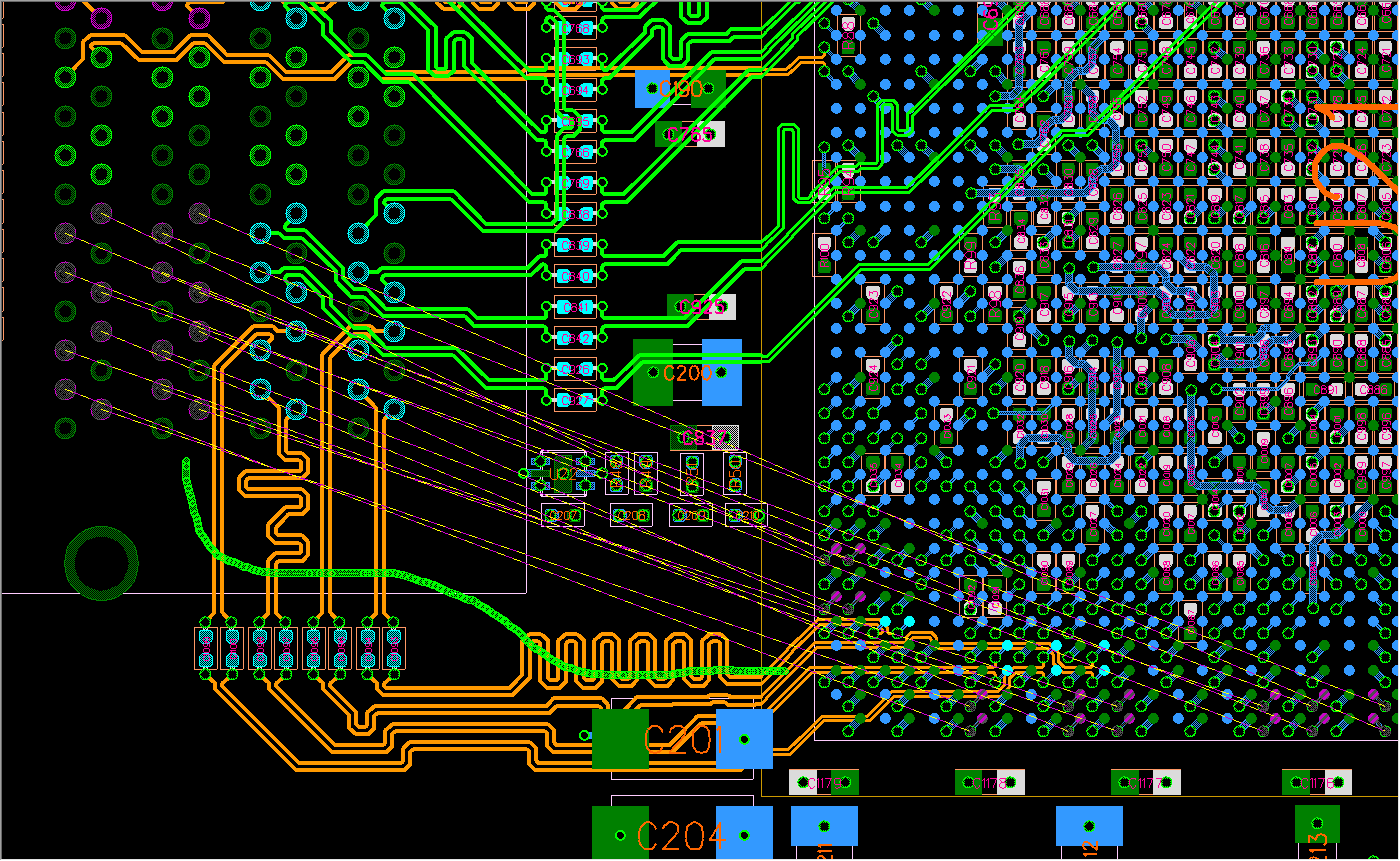
Amazing Free Circuit Design Software Scene Digital Art
Transform your screen with this vivid free circuit design software artwork, a true masterpiece of digital design.

Lush Free Circuit Design Software Picture Collection
Immerse yourself in the stunning details of this beautiful free circuit design software wallpaper, designed for a captivating visual experience.

Beautiful Free Circuit Design Software Artwork Illustration
Transform your screen with this vivid free circuit design software artwork, a true masterpiece of digital design.

Captivating Free Circuit Design Software Design Nature
Find inspiration with this unique free circuit design software illustration, crafted to provide a fresh look for your background.

High-Quality Free Circuit Design Software Image for Desktop
Transform your screen with this vivid free circuit design software artwork, a true masterpiece of digital design.
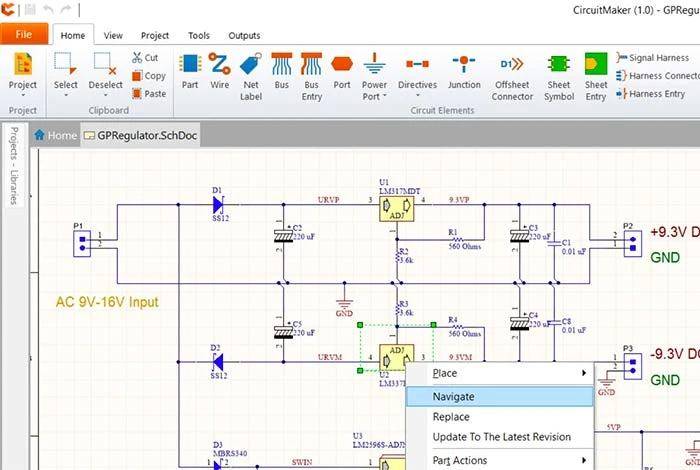
High-Quality Free Circuit Design Software Photo Photography
Discover an amazing free circuit design software background image, ideal for personalizing your devices with vibrant colors and intricate designs.

Serene Free Circuit Design Software Image in HD
Discover an amazing free circuit design software background image, ideal for personalizing your devices with vibrant colors and intricate designs.

Detailed Free Circuit Design Software Capture for Mobile
Discover an amazing free circuit design software background image, ideal for personalizing your devices with vibrant colors and intricate designs.
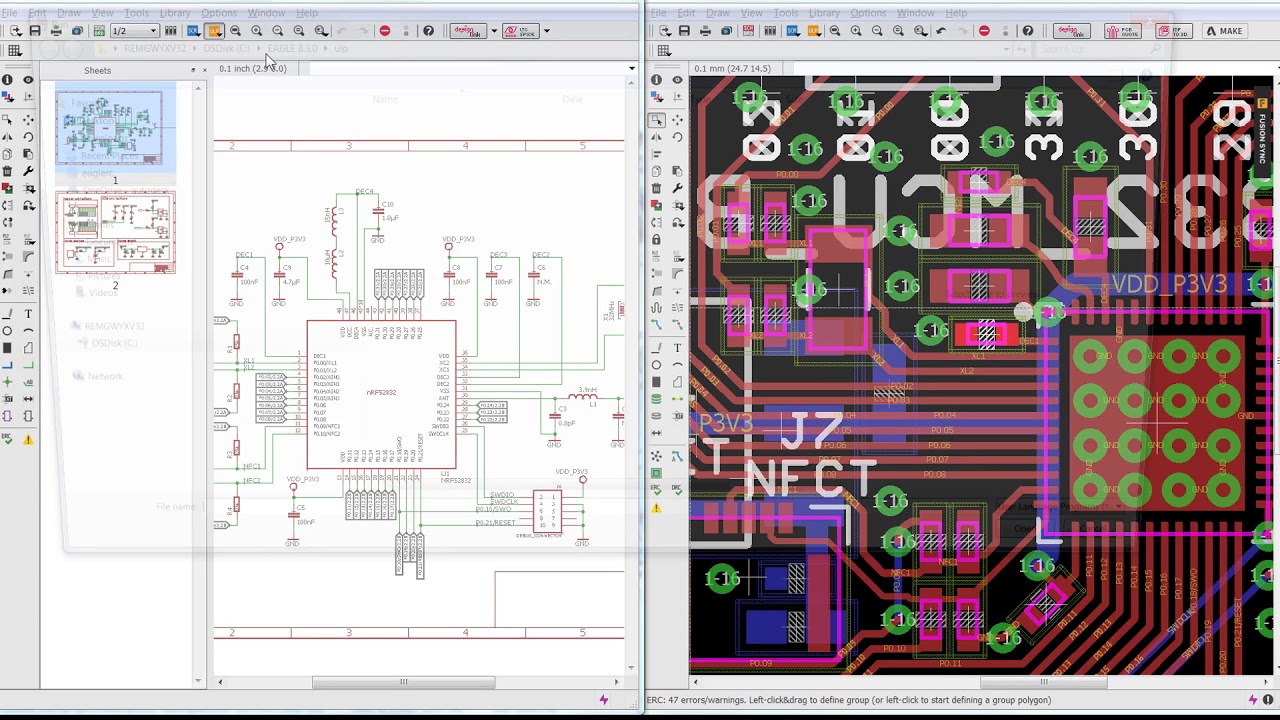
Breathtaking Free Circuit Design Software Moment Collection
Transform your screen with this vivid free circuit design software artwork, a true masterpiece of digital design.

Spectacular Free Circuit Design Software Design in 4K
Find inspiration with this unique free circuit design software illustration, crafted to provide a fresh look for your background.

Artistic Free Circuit Design Software Photo Art
This gorgeous free circuit design software photo offers a breathtaking view, making it a perfect choice for your next wallpaper.

High-Quality Free Circuit Design Software Photo for Your Screen
Transform your screen with this vivid free circuit design software artwork, a true masterpiece of digital design.

Lush Free Circuit Design Software Scene Photography
This gorgeous free circuit design software photo offers a breathtaking view, making it a perfect choice for your next wallpaper.

Stunning Free Circuit Design Software Background for Mobile
This gorgeous free circuit design software photo offers a breathtaking view, making it a perfect choice for your next wallpaper.
Download these free circuit design software wallpapers for free and use them on your desktop or mobile devices.
0 Response to "Free Circuit Design Software"
Post a Comment