Free 3D Drawing Software
Free 3D Drawing Software: Your Ultimate Guide to Starting Design Without Spending a Dime!
So, you've got a brilliant idea—maybe a custom part for your 3D printer, a dream architectural layout, or the next great character model for a game. But then reality hits: professional 3D design software can cost hundreds or even thousands of dollars per year. Don't worry! Starting your 3D design journey doesn't require draining your bank account.
We are here to tell you that there is an incredible universe of high-quality Free 3D Drawing Software available right now. This comprehensive guide will walk you through the absolute best tools, their capabilities, and how you can start creating jaw-dropping designs today, completely free.
Why Choose Free 3D Drawing Software?
Many people assume that "free" means "limited" or "low quality," especially when it comes to complex tools like 3D modeling. However, in the world of open-source and freemium development, this is often far from the truth. Modern free software is robust, feature-rich, and constantly improving.
Choosing a free option is particularly smart for beginners. It lowers the barrier to entry, allowing you to focus purely on learning the skills without the pressure of an expensive subscription ticking away. You can experiment, fail, and learn at your own pace.
Here are the key benefits of using top-tier free design tools:
- Zero Cost Commitment: Simple as that—you save money immediately.
- Community Support: Many free tools are open-source, leading to massive, helpful online communities, tutorials, and user-generated add-ons.
- Feature Parity: Some free options, like Blender, offer features that rival or exceed expensive commercial suites.
- Learning Curve Control: You can start with a simple tool (like TinkerCAD) and graduate to complex professional tools (like Blender) when you are ready.
Top Picks: The Best Free 3D Drawing Software Available
When searching for the perfect Free 3D Drawing Software, you need to consider your goals. Are you looking for architectural modeling, sculpting, 3D printing preparation, or complex animation? Below are the three titans in the free 3D design space, each excelling in a different area.
Blender: The Industry-Standard Powerhouse
Blender is often the first name that comes up in any conversation about free 3D software, and for good reason. It is a comprehensive, open-source 3D suite that supports the entirety of the 3D pipeline—modeling, rigging, animation, simulation, rendering, compositing, motion tracking, and even video editing.
While the learning curve is steep, the payoff is immense. If your goal is to create photo-realistic renders, cinematic animations, or detailed character models, Blender is unbeatable in the free category. It is constantly updated by a massive community and used by independent studios around the globe.
If you commit to learning one piece of Free 3D Drawing Software that can do everything, make it Blender. Look for the famous "Donut Tutorial" by Blender Guru—it's the rite of passage for all new Blender users.
SketchUp Free (Web): Quick and Accessible Modeling
SketchUp Free, which runs entirely in your web browser, is the go-to tool for 3D architecture, interior design, and woodworking projects. Its core philosophy is simple: it uses a highly intuitive "push/pull" method that makes drawing 3D shapes as easy as drawing rectangles and circles.
You don't need to install anything; just hop online and start designing. While the web version has limitations compared to its Pro counterpart (mainly around importing/exporting complex file types and extensions), it is more than enough for visualizing home renovations, garden layouts, or simple product design concepts.
SketchUp is fantastic if you need fast, accurate dimensional modeling without getting bogged down in complex meshes and rendering settings.
TinkerCAD: Beginner-Friendly Simplicity
If you have never touched 3D design before, or if you are designing models specifically for 3D printing, TinkerCAD is the perfect starting line. Developed by Autodesk, this browser-based tool uses basic geometric shapes (cubes, cylinders, spheres) that you can combine and subtract to create complex objects.
TinkerCAD is exceptionally easy to learn—often taking only an hour or two to fully grasp the interface. It's heavily used in educational settings and is ideal for hobbyists who need to quickly prototype simple mechanical parts or personalized designs for 3D printing.
It may lack the advanced features of Blender, but for simple projects and getting comfortable with 3D space, this Free 3D Drawing Software is highly recommended.
Essential Features to Look for in Free Software
Before committing to downloading and learning any new Free 3D Drawing Software, take a moment to evaluate whether it meets your specific needs. Not all free tools are created equal, particularly concerning export options and learning resources.
Consider this checklist when making your choice:
- File Format Compatibility: Can it export industry-standard files like .OBJ, .FBX, or .STL (crucial for 3D printing)? Poor export options can severely limit what you can do with your design.
- Learning Resources: Does the software have abundant, high-quality free tutorials on YouTube or dedicated forums? A great community makes the learning process significantly smoother.
- User Interface (UI): Does the interface feel intuitive or overwhelmingly complex? Beginners often benefit from a cleaner, less cluttered workspace.
- System Requirements: Is it browser-based (like SketchUp Free) or a demanding desktop application (like Blender)? Make sure your computer can handle the heavy processing load of 3D rendering.
- Updates and Development: Is the software actively maintained? Regular updates mean better performance and fewer bugs over time.
Getting Started: Tips for New 3D Designers
Jumping into 3D design can feel overwhelming due to the sheer number of tools and settings. Remember that every professional started exactly where you are now. Patience and consistent practice are far more valuable than innate talent.
Focus on the Basics First
Don't try to model a complex spaceship on day one. Instead, dedicate your first few weeks to mastering the interface of your chosen Free 3D Drawing Software. Learn navigation, basic manipulation tools (move, rotate, scale), and fundamental modeling techniques (extrude, bevel, loop cut).
Work on small, achievable projects. Try recreating a simple household object like a coffee mug or a dice. Success in these small tasks builds momentum and prevents burnout, setting you up for larger, more ambitious designs later on.
Additionally, always save frequently! Nothing is worse than losing hours of hard work because of a software crash. Use version control if possible.
Conclusion: Your 3D Journey Starts Now!
The barrier to entry in 3D design has never been lower. Thanks to amazing open-source projects and generous freemium models, you have access to powerful Free 3D Drawing Software that can handle professional-level tasks, from rendering stunning visualizations in Blender to designing precise physical parts in SketchUp or TinkerCAD.
Forget the fear of expensive licensing; pick the tool that matches your current skill level and goals, commit to a good tutorial series, and start modeling today. The only thing limiting your creations now is your imagination!
Frequently Asked Questions About Free 3D Drawing Software
- Is free 3D drawing software good enough for professional work?
- Yes, absolutely. Blender, in particular, is used by major animation studios and freelancers globally for professional projects, including feature films and AAA game assets.
- Do I need a powerful computer to run free 3D software?
- It depends on the complexity. Simple modelers like TinkerCAD run well on standard laptops. However, rendering high-resolution images or running complex simulations in Blender requires a dedicated graphics card (GPU) and a good amount of RAM.
- What is the difference between 3D modeling and 3D sculpting?
- 3D modeling (like in SketchUp or Blender's polygon tools) is geometric and uses mathematical precision. 3D sculpting (available in Blender or ZBrush Core Mini) is more organic, mimicking clay sculpting, and is ideal for characters and highly detailed surfaces.
- Can I use these free programs to design objects for 3D printing?
- Yes. Most quality free programs (especially TinkerCAD and Blender) can export files in the standard .STL format, which is required by almost all 3D slicers and printers.
- Is "Free 3D Drawing Software" the same as "CAD Software"?
- Not exactly. CAD (Computer-Aided Design) is a specific category focused on technical precision, engineering, and manufacturing (like Fusion 360's free license). While some free 3D drawing software (like SketchUp) has CAD capabilities, general 3D software (like Blender) focuses more on artistic modeling and animation.
Free 3D Drawing Software
Free 3D Drawing Software Wallpapers
Collection of free 3d drawing software wallpapers for your desktop and mobile devices.
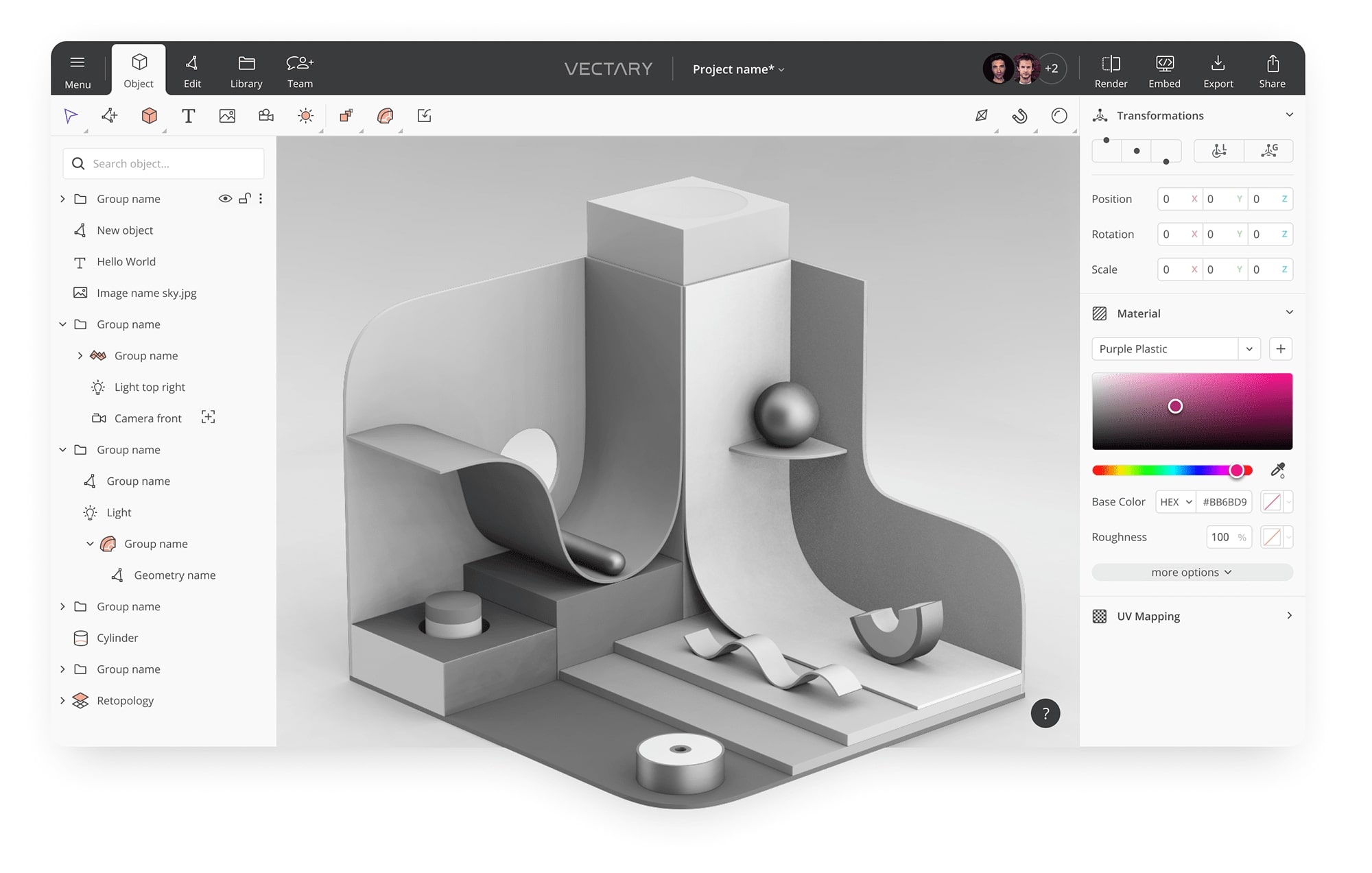
Lush Free 3d Drawing Software Artwork Nature
A captivating free 3d drawing software scene that brings tranquility and beauty to any device.
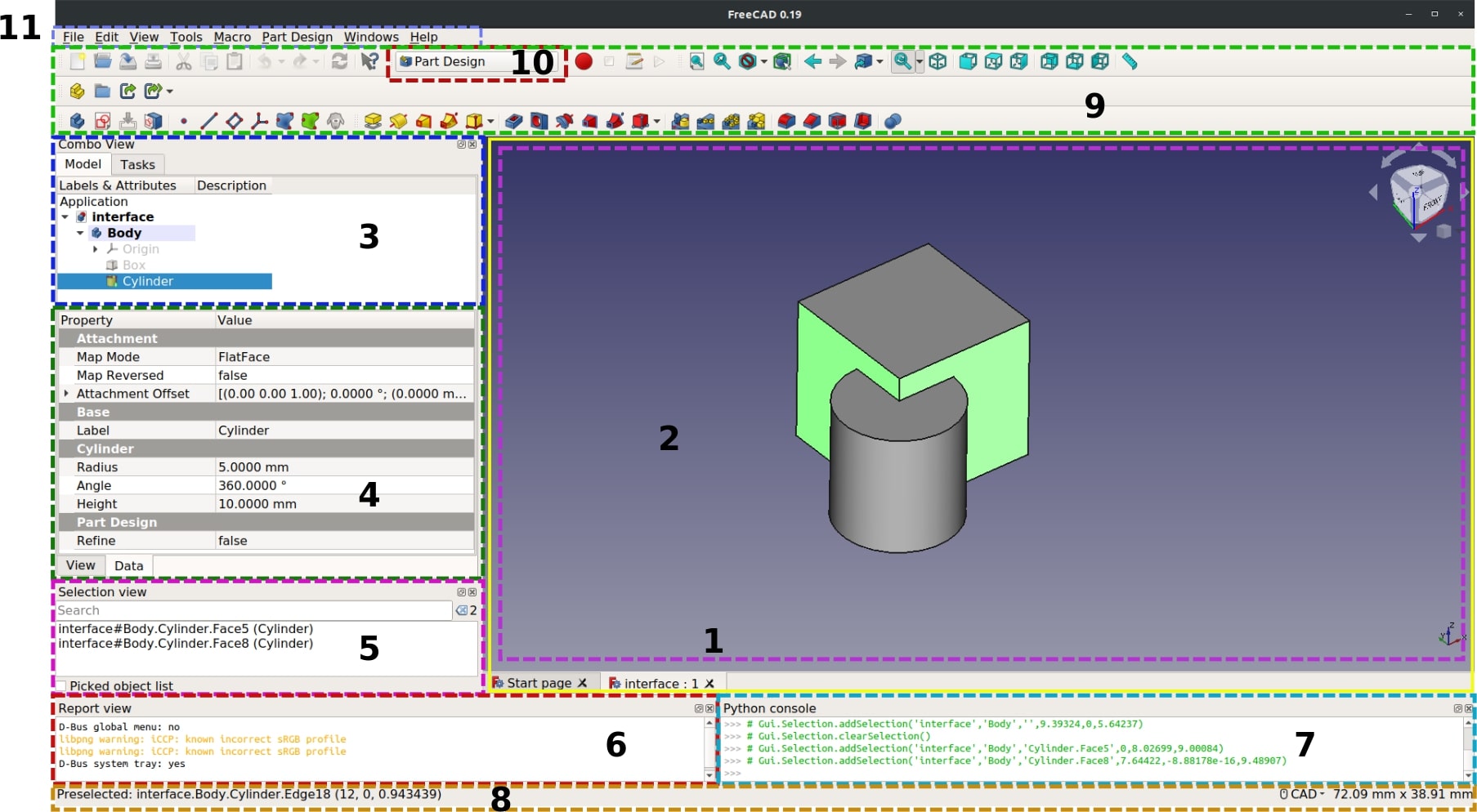
Stunning Free 3d Drawing Software Artwork Nature
A captivating free 3d drawing software scene that brings tranquility and beauty to any device.
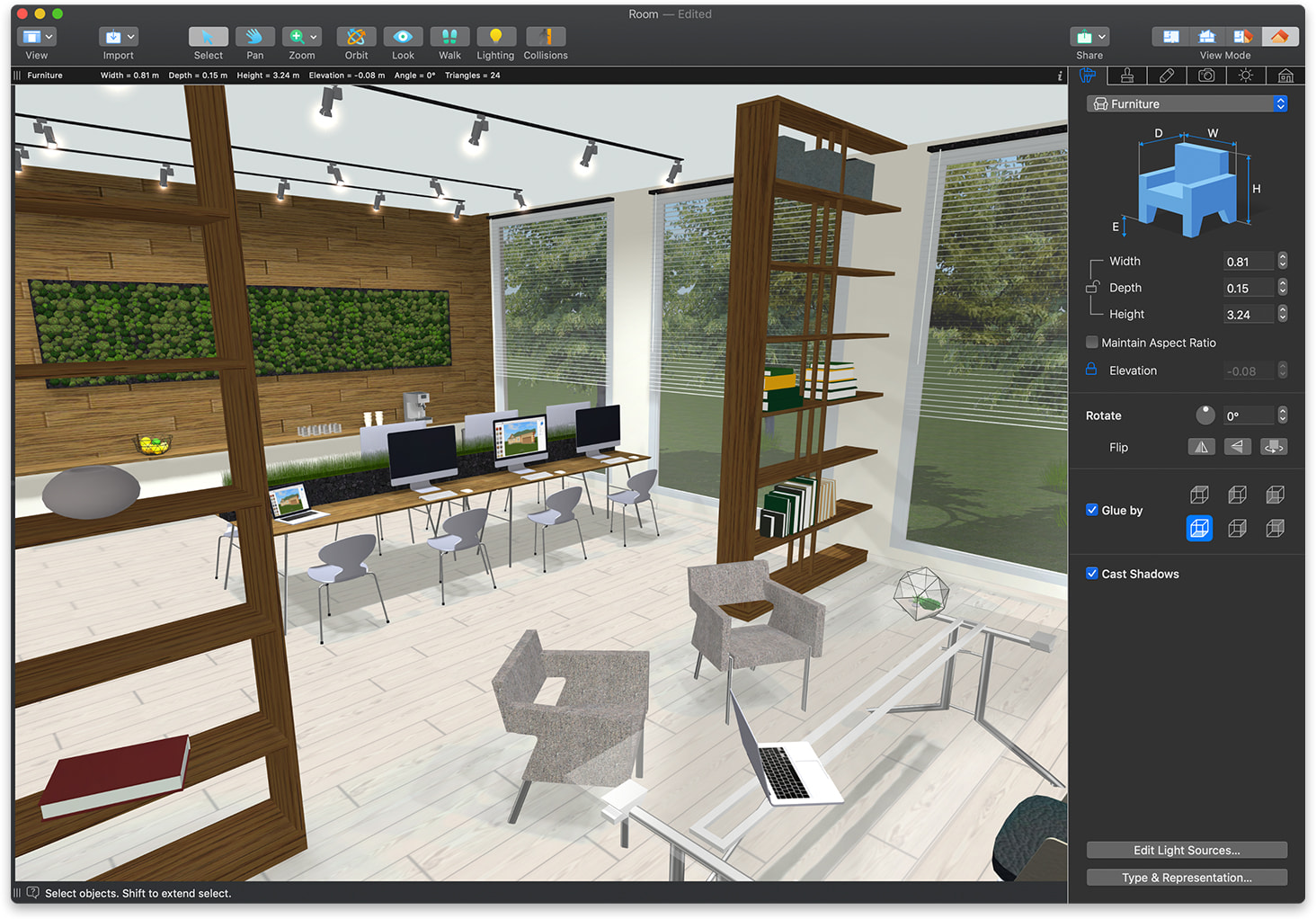
Breathtaking Free 3d Drawing Software Background Illustration
Explore this high-quality free 3d drawing software image, perfect for enhancing your desktop or mobile wallpaper.
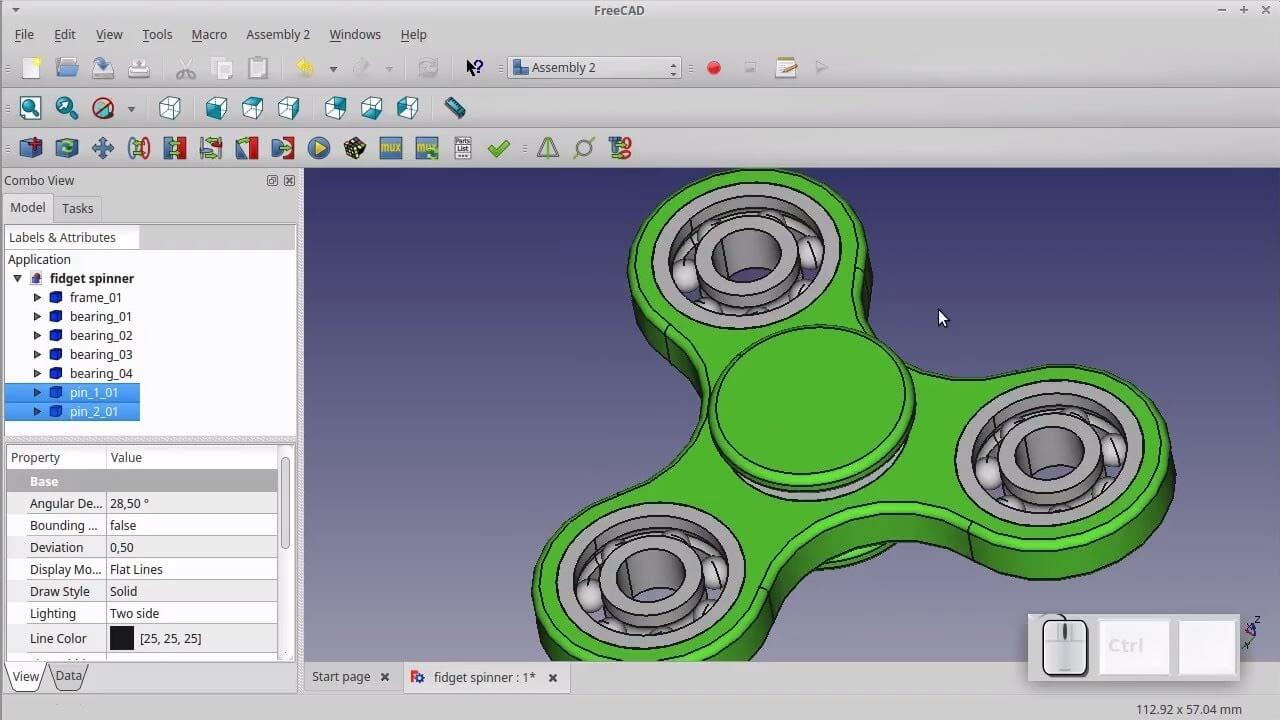
Vibrant Free 3d Drawing Software Moment Collection
Discover an amazing free 3d drawing software background image, ideal for personalizing your devices with vibrant colors and intricate designs.

Gorgeous Free 3d Drawing Software Wallpaper Concept
Immerse yourself in the stunning details of this beautiful free 3d drawing software wallpaper, designed for a captivating visual experience.
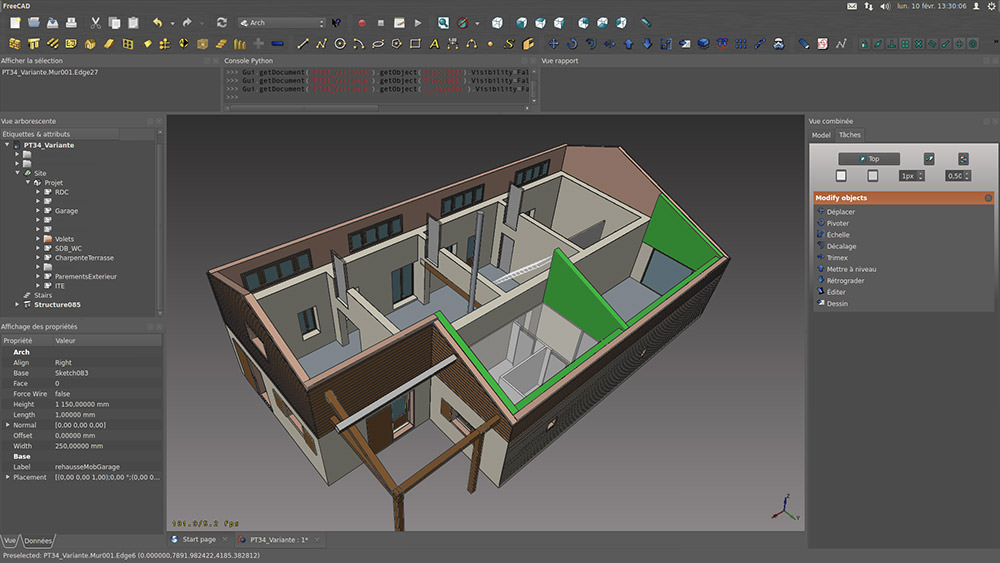
Vibrant Free 3d Drawing Software Wallpaper in HD
Transform your screen with this vivid free 3d drawing software artwork, a true masterpiece of digital design.
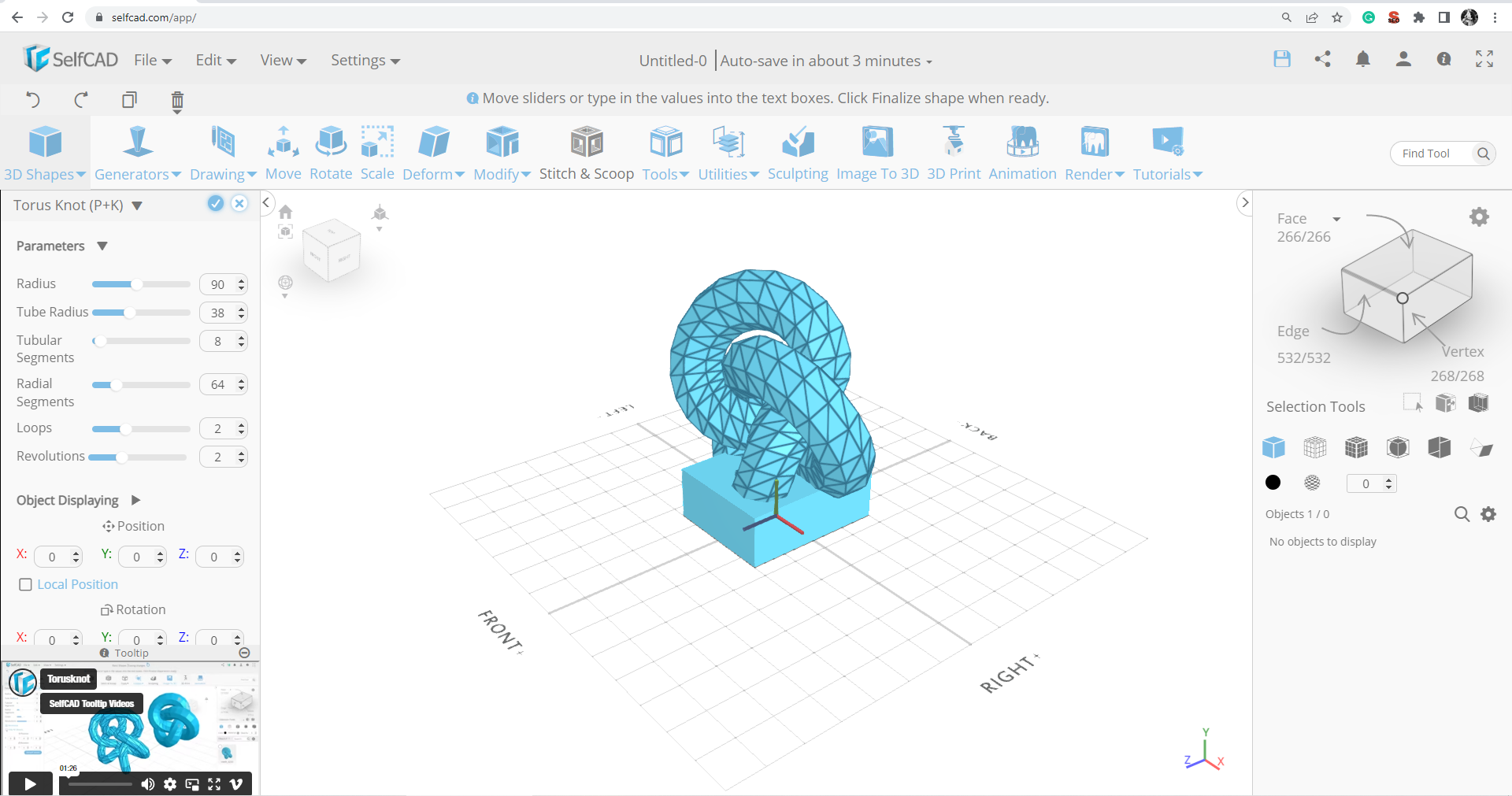
Spectacular Free 3d Drawing Software Image in HD
A captivating free 3d drawing software scene that brings tranquility and beauty to any device.
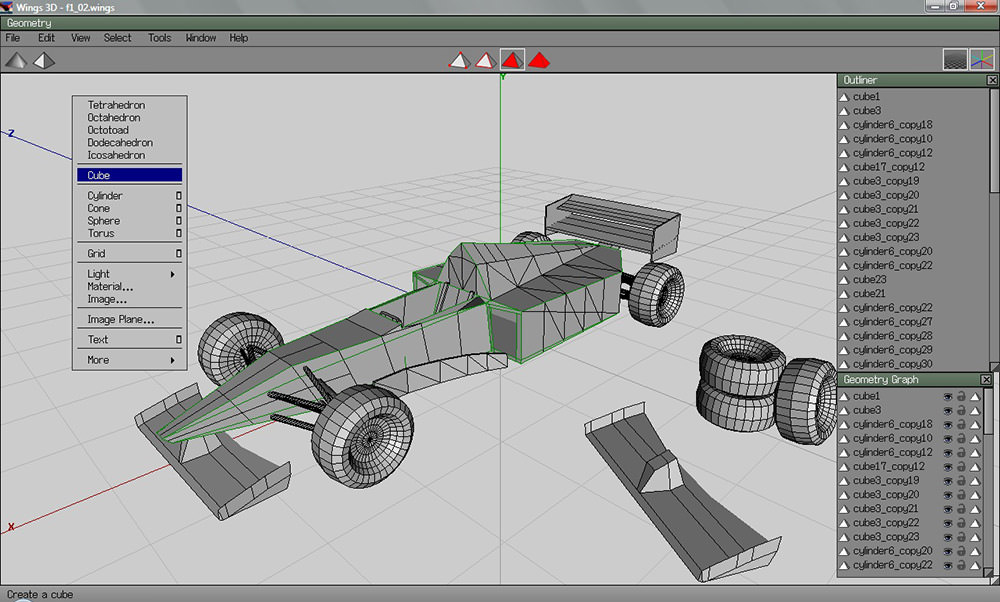
High-Quality Free 3d Drawing Software Capture Art
Explore this high-quality free 3d drawing software image, perfect for enhancing your desktop or mobile wallpaper.
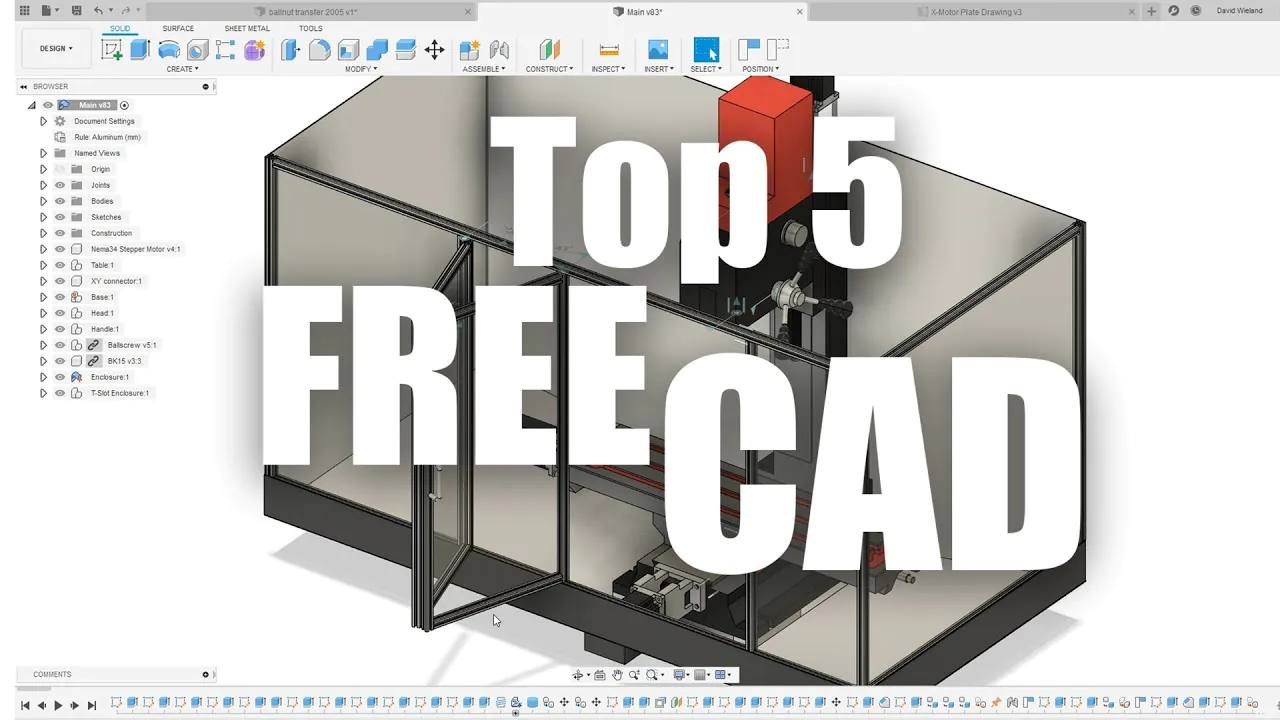
Crisp Free 3d Drawing Software Background Concept
Find inspiration with this unique free 3d drawing software illustration, crafted to provide a fresh look for your background.
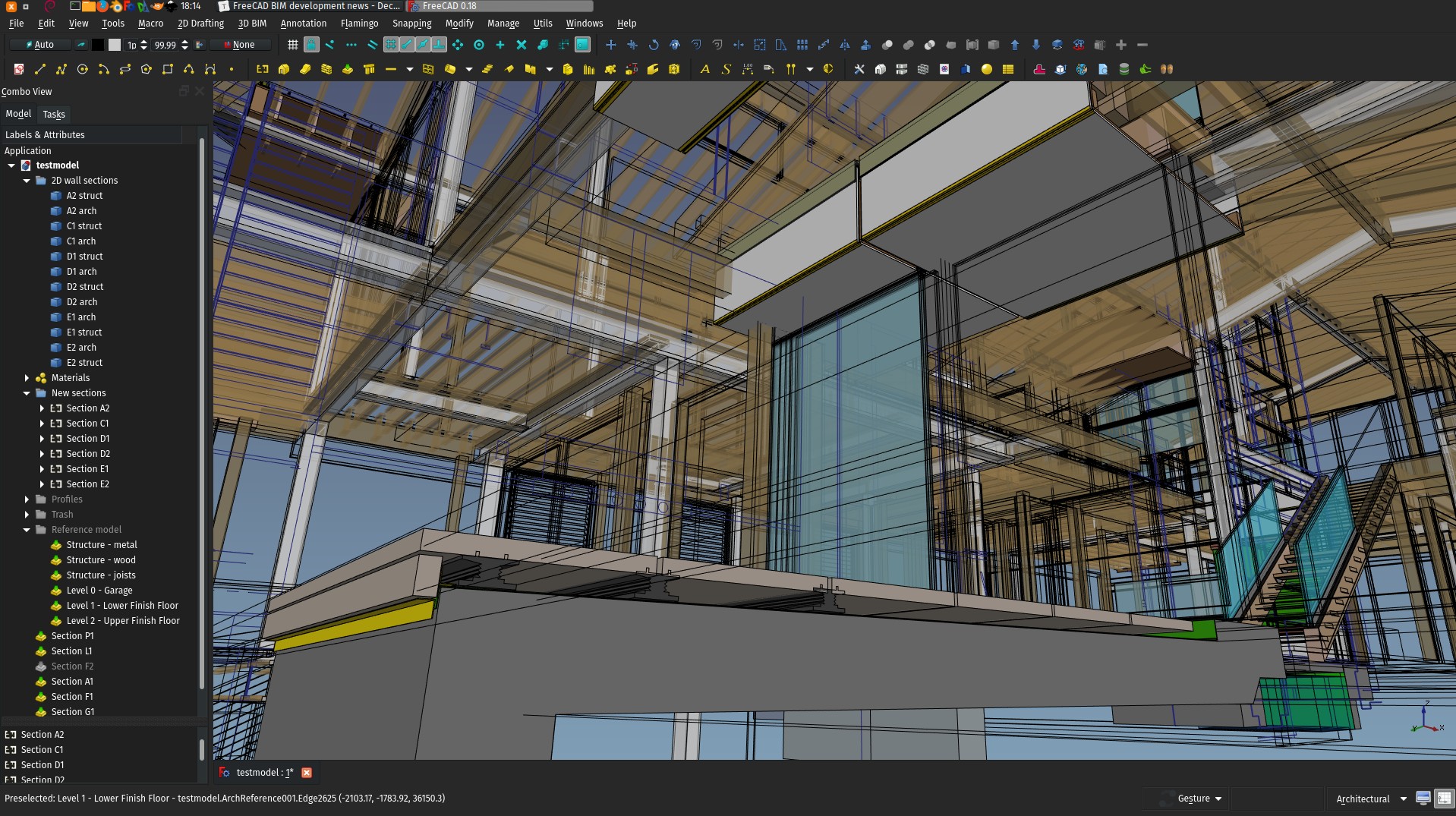
Beautiful Free 3d Drawing Software Moment Illustration
Discover an amazing free 3d drawing software background image, ideal for personalizing your devices with vibrant colors and intricate designs.

Mesmerizing Free 3d Drawing Software Abstract Digital Art
Discover an amazing free 3d drawing software background image, ideal for personalizing your devices with vibrant colors and intricate designs.
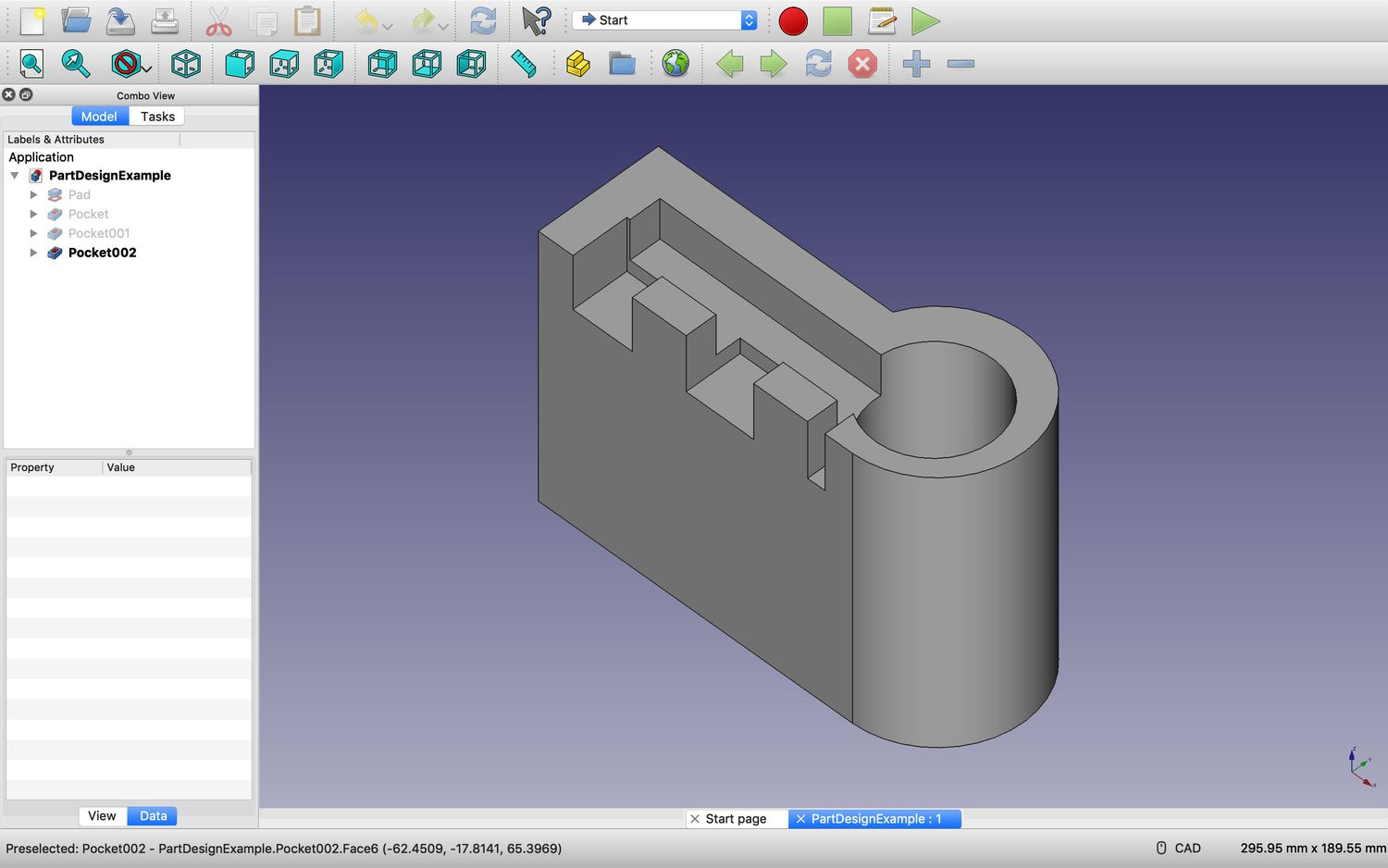
Detailed Free 3d Drawing Software Moment Digital Art
Experience the crisp clarity of this stunning free 3d drawing software image, available in high resolution for all your screens.
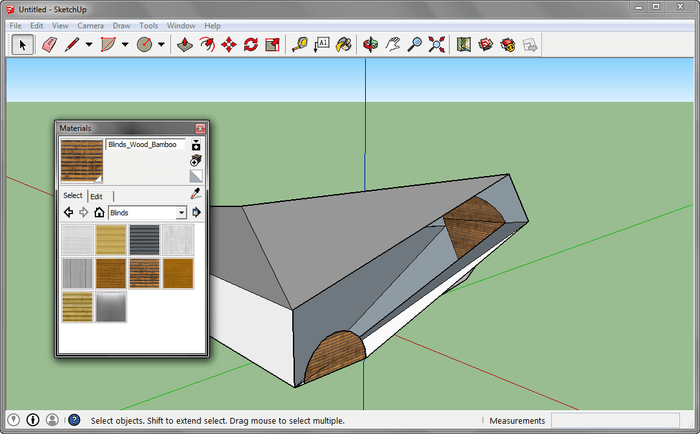
Gorgeous Free 3d Drawing Software Design for Desktop
Find inspiration with this unique free 3d drawing software illustration, crafted to provide a fresh look for your background.
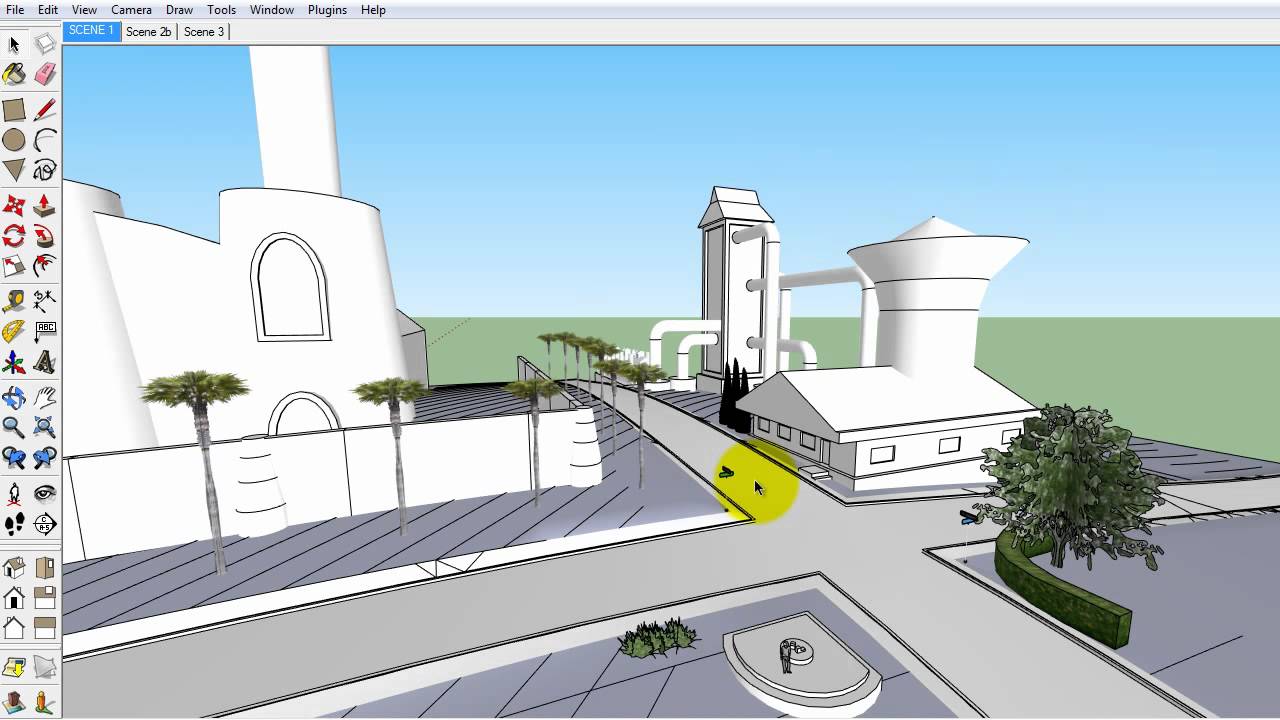
Vibrant Free 3d Drawing Software Wallpaper Collection
Discover an amazing free 3d drawing software background image, ideal for personalizing your devices with vibrant colors and intricate designs.
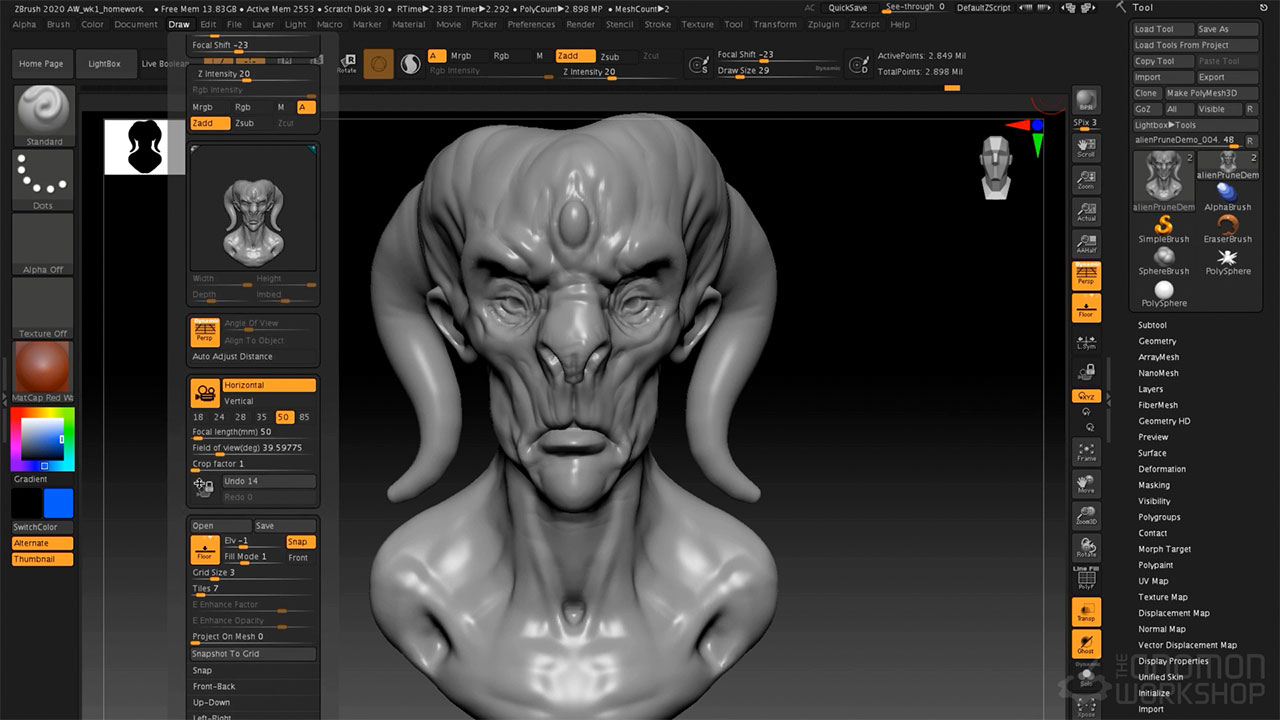
Captivating Free 3d Drawing Software Moment Collection
Find inspiration with this unique free 3d drawing software illustration, crafted to provide a fresh look for your background.

Artistic Free 3d Drawing Software Moment for Desktop
A captivating free 3d drawing software scene that brings tranquility and beauty to any device.
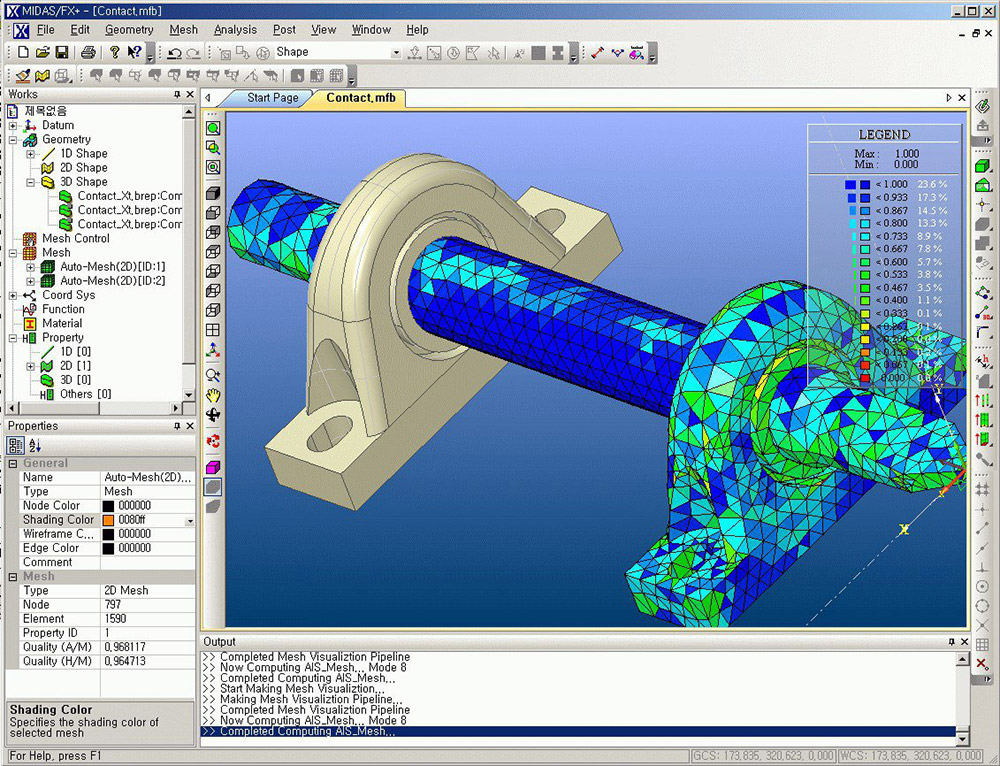
Serene Free 3d Drawing Software View Concept
Transform your screen with this vivid free 3d drawing software artwork, a true masterpiece of digital design.
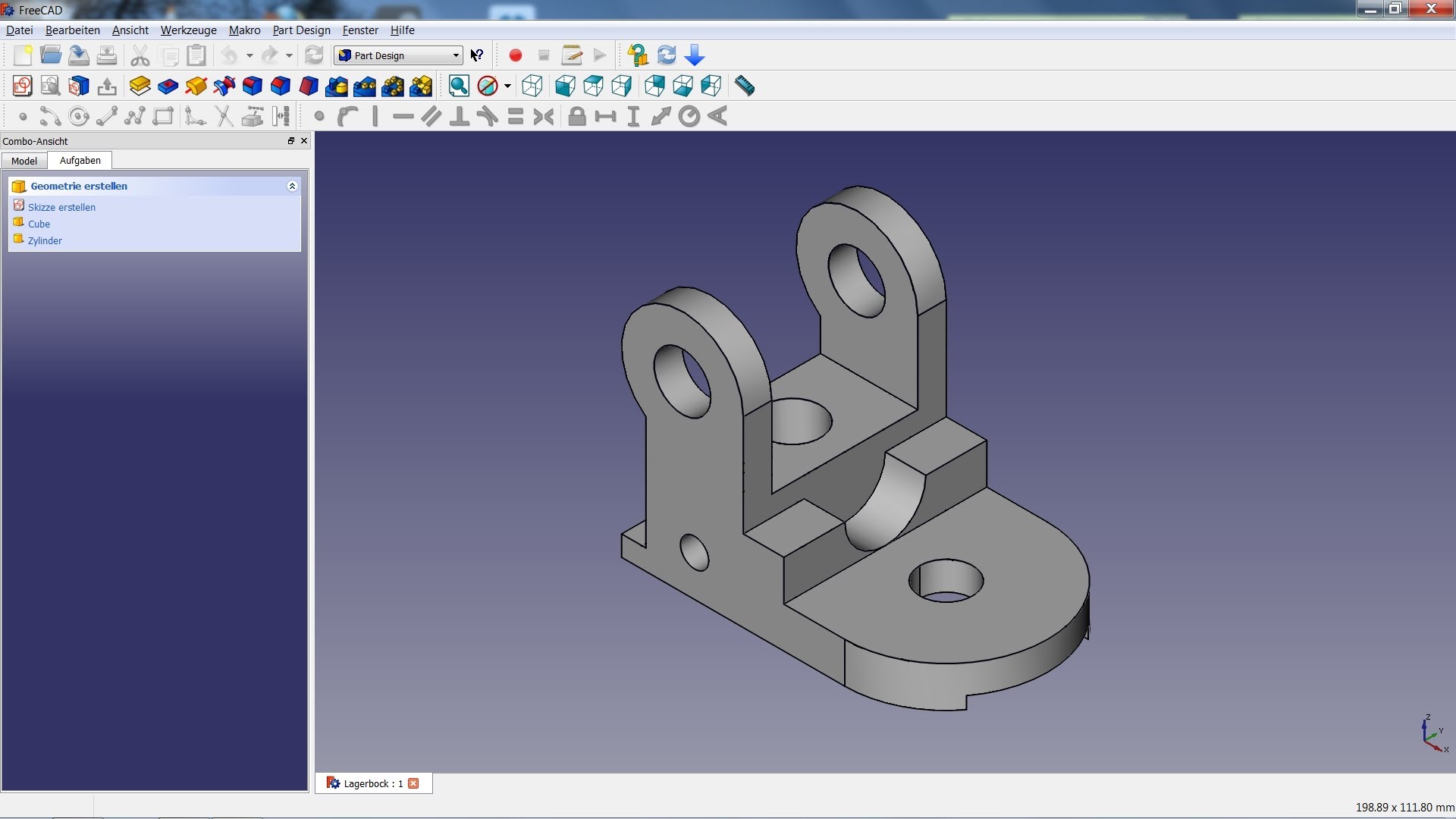
Exquisite Free 3d Drawing Software View in HD
A captivating free 3d drawing software scene that brings tranquility and beauty to any device.

Serene Free 3d Drawing Software Artwork Digital Art
Transform your screen with this vivid free 3d drawing software artwork, a true masterpiece of digital design.
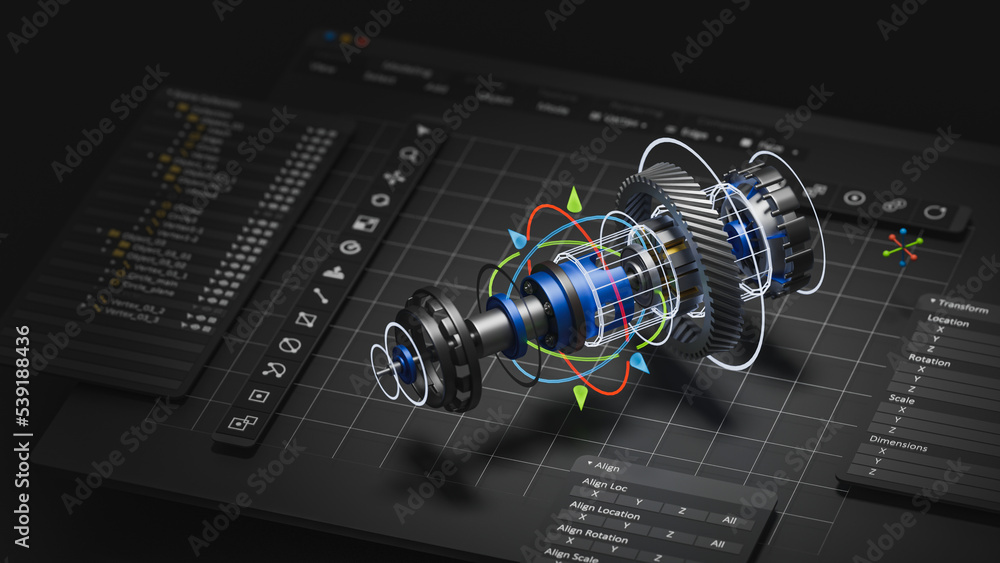
Beautiful Free 3d Drawing Software Artwork Photography
Discover an amazing free 3d drawing software background image, ideal for personalizing your devices with vibrant colors and intricate designs.
Download these free 3d drawing software wallpapers for free and use them on your desktop or mobile devices.
0 Response to "Free 3D Drawing Software"
Post a Comment