Best Free Software To Clone Hard Drive
Best Free Software To Clone Hard Drive: Your Ultimate Guide
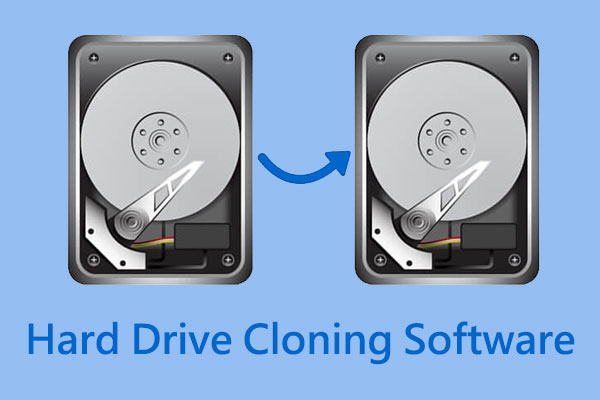
Hey there! Are you planning to upgrade your old HDD to a speedy SSD, or maybe just create a reliable backup of your entire system? Cloning your hard drive is the smartest way to go. Why reinstall everything when you can just copy the whole thing over? It saves hours, even days!
But wait, professional cloning software can be quite expensive. Don't worry, we've got you covered. In this comprehensive guide, we'll dive deep into the Best Free Software To Clone Hard Drive that offers excellent features without demanding a penny. Let's get your system migration or backup sorted out!
Why Do You Need to Clone Your Hard Drive?
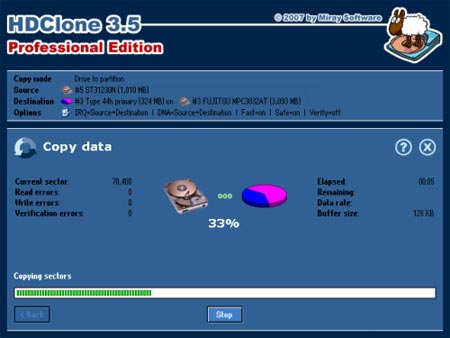
Cloning isn't the same as just copying files. When you clone a drive, you create an exact sector-by-sector replica, including the operating system, boot sectors, installed programs, and all your hidden files. This makes the clone immediately bootable, which is super important.
There are a few key reasons why cloning is often necessary:
- System Migration: Moving Windows (or macOS/Linux) from an old HDD to a new, faster SSD without reinstalling the OS.
- Full Backup: Creating a complete, bootable image of your system for quick disaster recovery.
- Drive Replacement: Replacing a failing or nearly full drive with a larger or more reliable one.
Now that we understand the importance, let's explore the top free tools available today. These options prove that you don't need a massive budget for premium functionality.
Top Contenders: Best Free Software To Clone Hard Drive
1. Macrium Reflect Free Edition
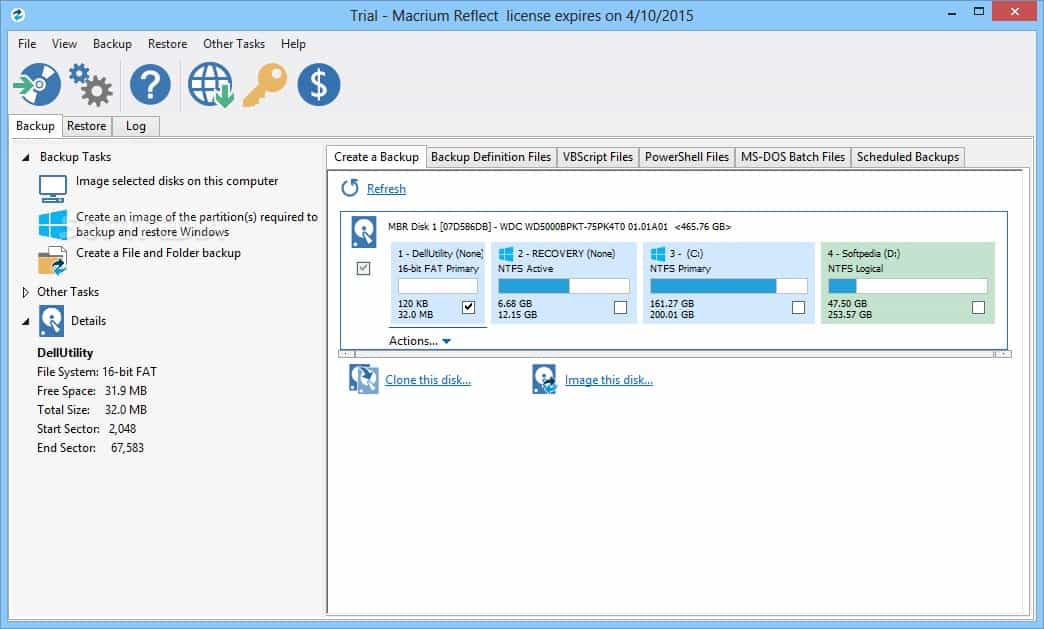
Macrium Reflect Free is often hailed as the gold standard in disk imaging and cloning. While it has a robust paid version, the free offering provides all the core features necessary for a successful drive clone or system backup. It's reliable, fast, and has a clean, professional interface.
What Makes Macrium Reflect Stand Out?
Its speed and stability are unmatched by many free competitors. It handles cloning operating system drives with ease, ensuring that all boot partitions are correctly transferred. This means minimal hassle when you try to boot from the new drive.
Key features of the free edition include:
- Direct disk cloning (disk to disk).
- Creation of disk images (which can later be restored to a new drive).
- Ability to create a Linux or Windows PE rescue media (essential for restoring backups when Windows won't boot).
If you're looking for enterprise-level performance without the price tag, Macrium Reflect should be your first stop when seeking the Best Free Software To Clone Hard Drive.
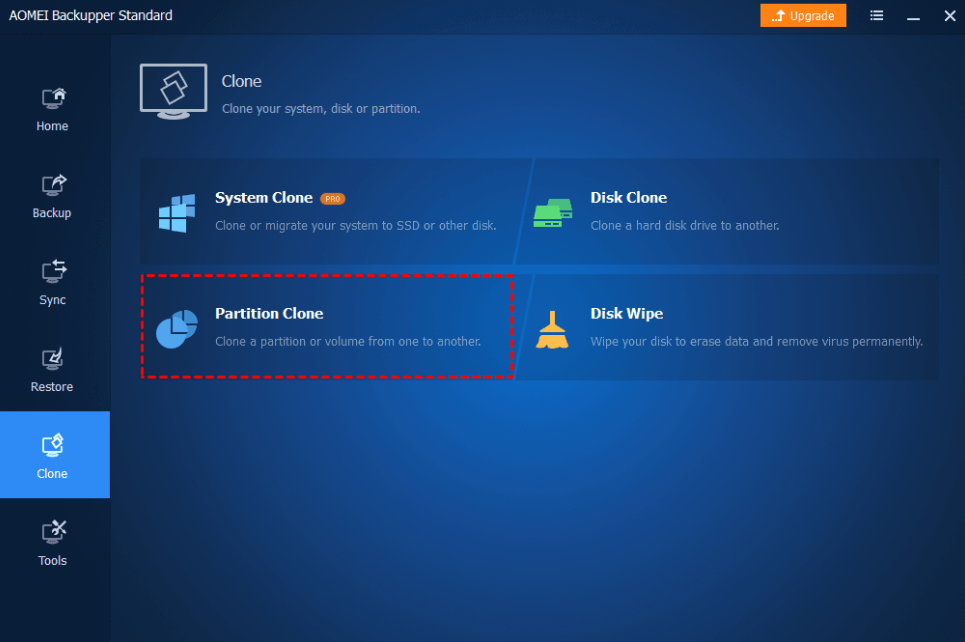
2. AOMEI Backupper Standard
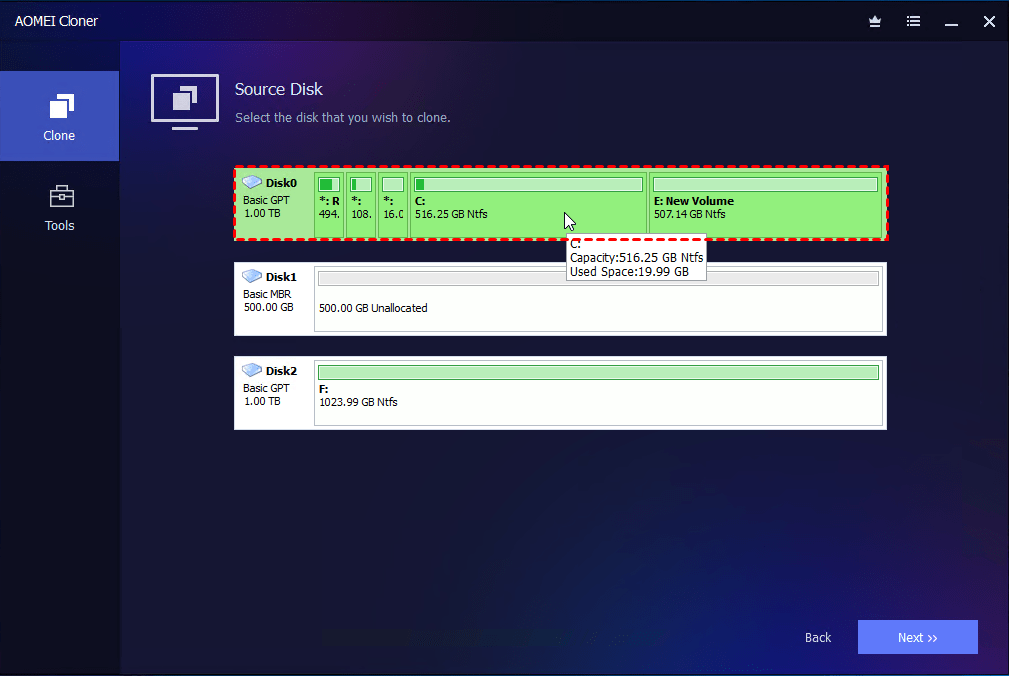
AOMEI Backupper Standard is another fantastic option, especially known for its user-friendly interface. It's incredibly straightforward, making it perfect for beginners who might be intimidated by complex settings. The tool is geared heavily toward both backup and cloning capabilities.
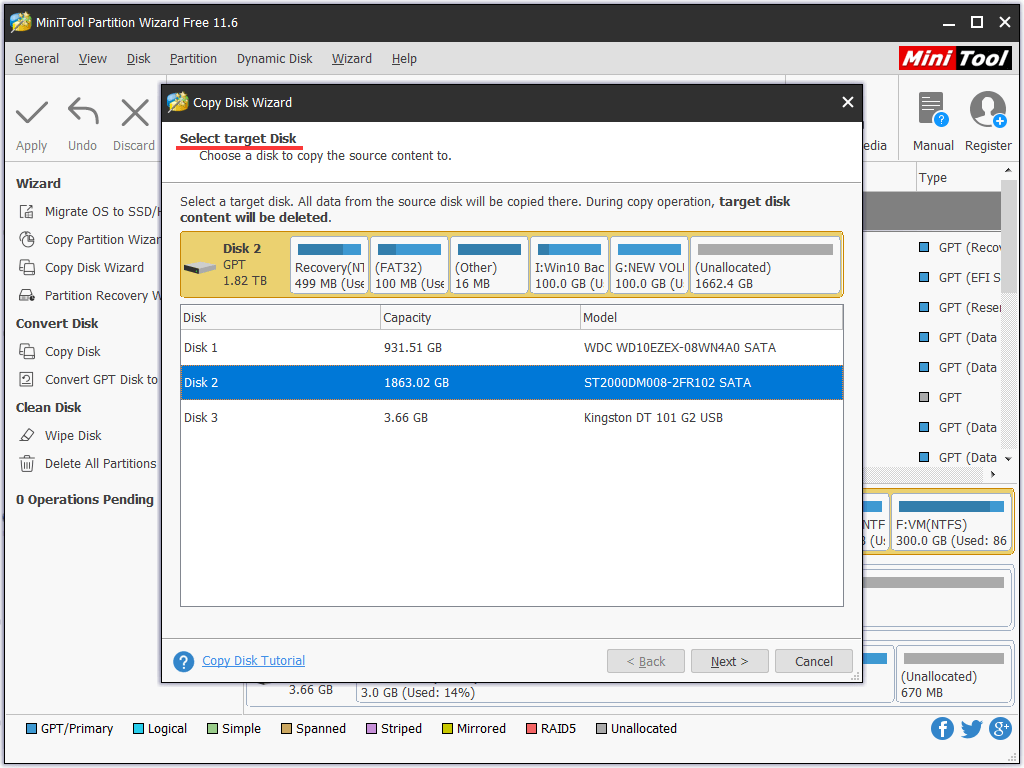
The cloning function is highly reliable. The software can handle cloning a smaller drive onto a larger one, or even a larger drive onto a smaller SSD, provided the used space fits. This is a crucial feature for many users migrating to smaller, faster storage.
Key Benefits of Using AOMEI
AOMEI makes the cloning process simple, guiding you step-by-step. Its standard version includes features that some competitors charge for, significantly enhancing its value.
- System Clone: Specifically designed to migrate OS to SSD or HDD.
- Disk Clone: Clones the entire disk structure.
- Partition Clone: Clones specific partitions only.
- "Align Partition for SSD": This optimization feature ensures your new SSD performs at its peak after cloning.
If ease of use is your priority, AOMEI Backupper Standard is certainly a top contender for the Best Free Software To Clone Hard Drive title.
3. Clonezilla
For the slightly more technical user, there is Clonezilla. It's an open-source, powerful cloning and imaging tool based on Linux. Unlike the previous two, Clonezilla is a bootable distribution, meaning you burn it to a USB drive or CD, and boot your computer from it. You don't run it inside Windows.
Why Choose Clonezilla?
Clonezilla is incredibly efficient. Because it runs outside of the operating system, it can access and clone all parts of the drive without interference. It's also incredibly fast and supports a wide array of file systems (NTFS, FAT, ext2/3/4, etc.).
However, be warned: its interface is text-based and less intuitive than Macrium or AOMEI. It requires careful reading of the prompts, but if you follow the instructions, the results are impeccable.
If speed and raw functionality are what you seek, and you don't mind a command-line-style interface, Clonezilla is arguably the most powerful free tool for cloning your hard drive.
Choosing the Right Tool for Your Needs
All three options are excellent, but they cater to slightly different users. To help you decide which Best Free Software To Clone Hard Drive is right for you, consider these factors:
| Software | Best For | Ease of Use |
|---|---|---|
| Macrium Reflect Free | Reliable, professional-grade system migration and imaging. | Medium/High |
| AOMEI Backupper Standard | Beginners and users needing strong SSD optimization features. | High |
| Clonezilla | Advanced users requiring maximum compatibility and speed (bootable environment). | Low/Medium (Text-based) |
For most Windows users looking to migrate their OS to an SSD, Macrium Reflect offers the perfect blend of power and familiarity. If you find Macrium too complex, AOMEI is the perfect friendly alternative.
Preparation Steps Before Cloning
Before you start the cloning process with any of the Best Free Software To Clone Hard Drive options, make sure you prepare correctly:
- Clean Up: Delete unnecessary files, uninstall old programs, and empty your Recycle Bin to reduce the cloning time and required space on the new drive.
- Connect the Target Drive: Ensure the new drive (SSD or HDD) is properly connected to your computer (either internally or via a high-speed USB adapter).
- Check Drive Space: Verify that the target drive has enough space to hold all the used data from the source drive (even if the target drive is physically smaller, as long as the used space fits, it usually works).
- Backup Critical Data: While cloning is safe, unexpected power outages or errors can occur. Always back up your most critical documents beforehand.
Conclusion: Finding Your Perfect Free Cloning Solution
Cloning your hard drive shouldn't cost you money. Thankfully, the market is rich with high-quality, reliable free software. We've identified Macrium Reflect, AOMEI Backupper, and Clonezilla as the current front-runners for the title of Best Free Software To Clone Hard Drive.
Whether you choose the professional robustness of Macrium Reflect, the user-friendliness of AOMEI Backupper, or the powerful efficiency of Clonezilla, you are well-equipped to perform a seamless system migration or create a complete, bootable backup. Take the plunge and enjoy the speed boost or peace of mind that a properly cloned drive provides!
- FAQ: Best Free Software To Clone Hard Drive
- Can I clone a larger HDD to a smaller SSD for free?
- Yes, absolutely! All three recommended tools (Macrium Reflect, AOMEI Backupper, and Clonezilla) support cloning to a smaller destination drive, provided that the amount of data used on the source drive fits comfortably onto the target SSD. AOMEI is particularly good at managing this process.
- Is cloning faster than installing the OS from scratch?
- Definitely. Cloning saves you hours of time spent reinstalling Windows, updating drivers, configuring personalized settings, and downloading all your applications. A typical clone takes less time than a fresh install process.
- Do these free tools clone the operating system (OS)?
- Yes, that is the primary purpose of system cloning. These tools create an exact replica of the source drive, including all necessary boot partitions, the OS files, and installed programs, ensuring the new drive is immediately bootable.
- What is the difference between disk imaging and disk cloning?
- Cloning copies data directly from one physical disk to another, making the target disk immediately usable. Imaging creates a compressed file (an "image") of the disk, which must be stored elsewhere and then "restored" onto a target disk later. Both Macrium Reflect and AOMEI Backupper offer both functionalities.
Best Free Software To Clone Hard Drive
Best Free Software To Clone Hard Drive Wallpapers
Collection of best free software to clone hard drive wallpapers for your desktop and mobile devices.
Amazing Best Free Software To Clone Hard Drive Scene for Mobile
Experience the crisp clarity of this stunning best free software to clone hard drive image, available in high resolution for all your screens.

Lush Best Free Software To Clone Hard Drive Moment Nature
Find inspiration with this unique best free software to clone hard drive illustration, crafted to provide a fresh look for your background.
Gorgeous Best Free Software To Clone Hard Drive Design Art
This gorgeous best free software to clone hard drive photo offers a breathtaking view, making it a perfect choice for your next wallpaper.
Detailed Best Free Software To Clone Hard Drive Photo Collection
Experience the crisp clarity of this stunning best free software to clone hard drive image, available in high resolution for all your screens.

Mesmerizing Best Free Software To Clone Hard Drive Scene Digital Art
Discover an amazing best free software to clone hard drive background image, ideal for personalizing your devices with vibrant colors and intricate designs.
Detailed Best Free Software To Clone Hard Drive Capture for Desktop
Discover an amazing best free software to clone hard drive background image, ideal for personalizing your devices with vibrant colors and intricate designs.

Artistic Best Free Software To Clone Hard Drive Capture Nature
This gorgeous best free software to clone hard drive photo offers a breathtaking view, making it a perfect choice for your next wallpaper.

Mesmerizing Best Free Software To Clone Hard Drive Picture Collection
Explore this high-quality best free software to clone hard drive image, perfect for enhancing your desktop or mobile wallpaper.
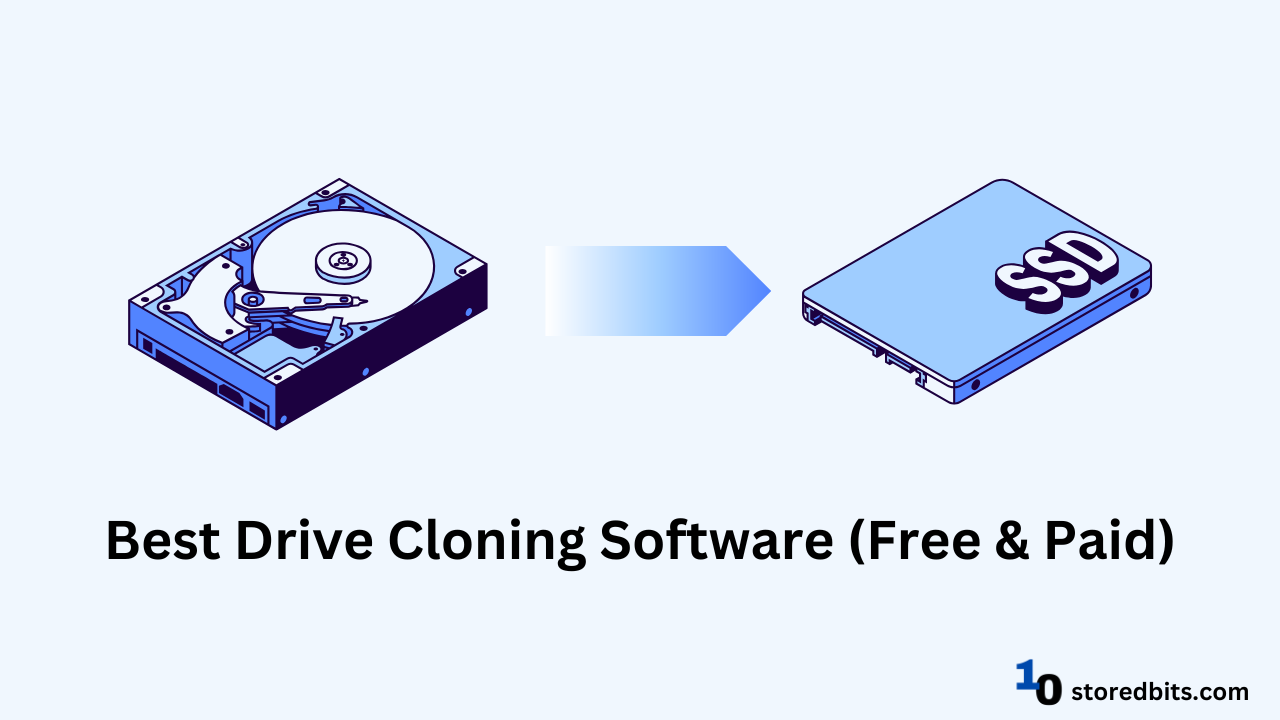
Vivid Best Free Software To Clone Hard Drive Image Illustration
Explore this high-quality best free software to clone hard drive image, perfect for enhancing your desktop or mobile wallpaper.
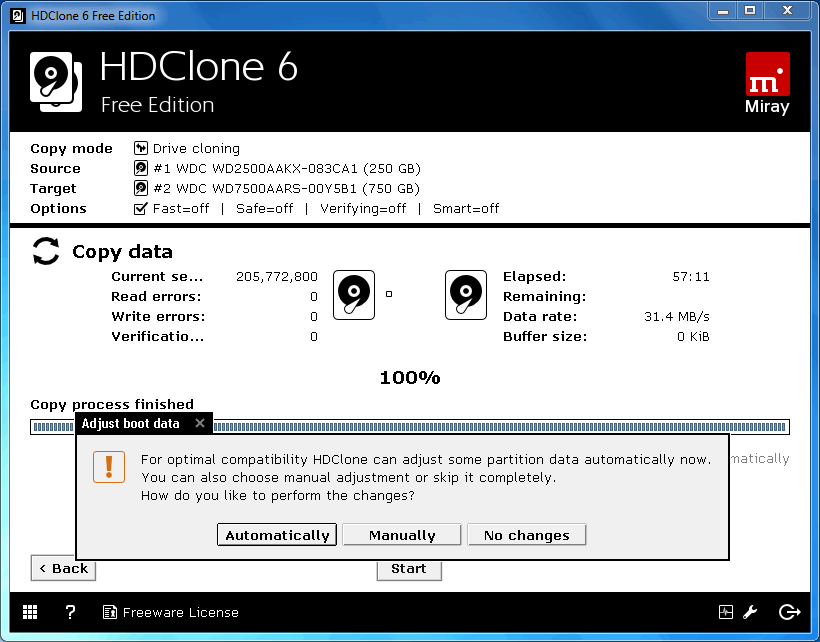
Artistic Best Free Software To Clone Hard Drive Image Illustration
Immerse yourself in the stunning details of this beautiful best free software to clone hard drive wallpaper, designed for a captivating visual experience.
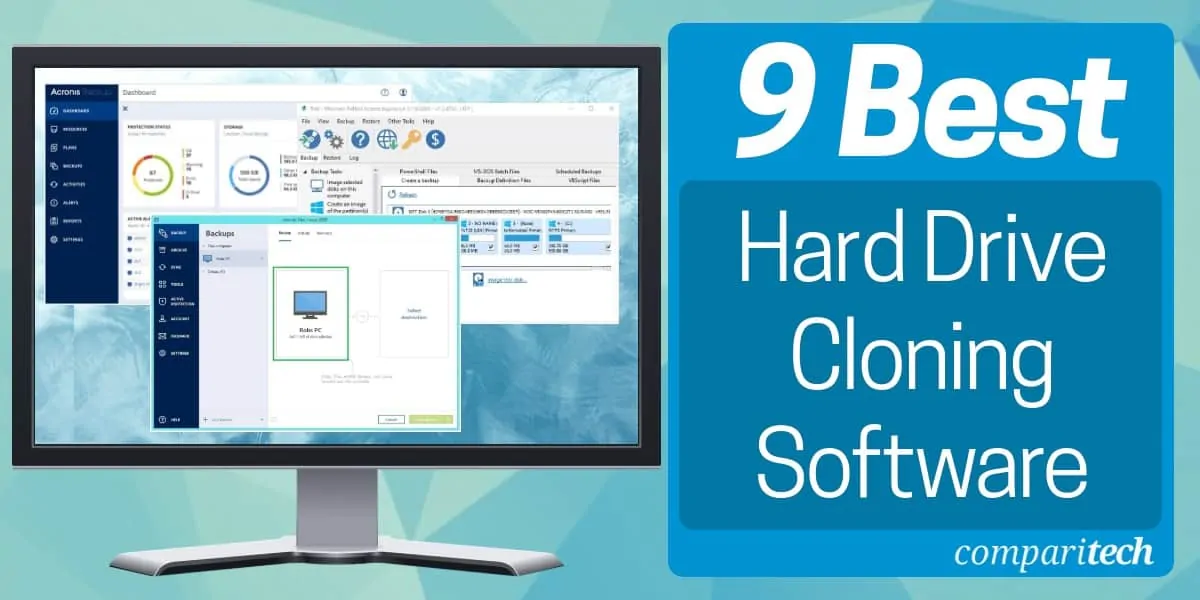
Stunning Best Free Software To Clone Hard Drive Picture Photography
Immerse yourself in the stunning details of this beautiful best free software to clone hard drive wallpaper, designed for a captivating visual experience.
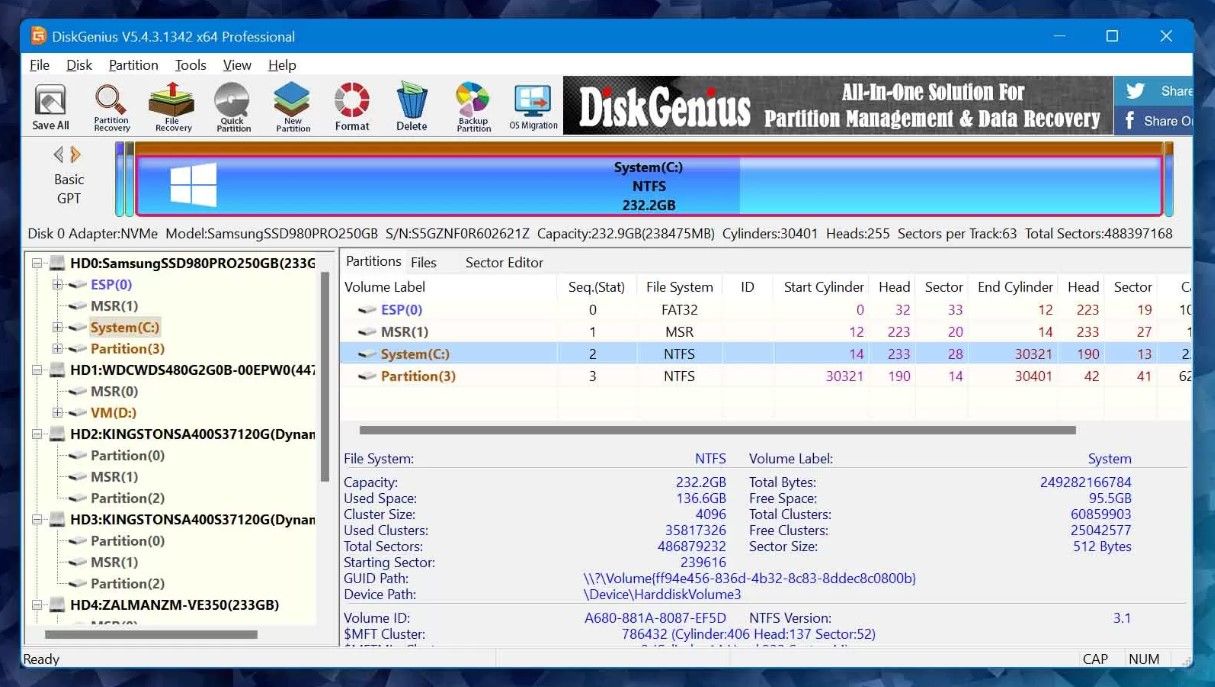
Artistic Best Free Software To Clone Hard Drive Design Photography
Immerse yourself in the stunning details of this beautiful best free software to clone hard drive wallpaper, designed for a captivating visual experience.
Stunning Best Free Software To Clone Hard Drive Design Nature
This gorgeous best free software to clone hard drive photo offers a breathtaking view, making it a perfect choice for your next wallpaper.
Vibrant Best Free Software To Clone Hard Drive Photo Photography
Transform your screen with this vivid best free software to clone hard drive artwork, a true masterpiece of digital design.
Crisp Best Free Software To Clone Hard Drive Wallpaper for Your Screen
This gorgeous best free software to clone hard drive photo offers a breathtaking view, making it a perfect choice for your next wallpaper.
Gorgeous Best Free Software To Clone Hard Drive Design Illustration
A captivating best free software to clone hard drive scene that brings tranquility and beauty to any device.
Vivid Best Free Software To Clone Hard Drive Wallpaper in 4K
Discover an amazing best free software to clone hard drive background image, ideal for personalizing your devices with vibrant colors and intricate designs.
Beautiful Best Free Software To Clone Hard Drive Scene Concept
Explore this high-quality best free software to clone hard drive image, perfect for enhancing your desktop or mobile wallpaper.

Artistic Best Free Software To Clone Hard Drive Photo for Mobile
Find inspiration with this unique best free software to clone hard drive illustration, crafted to provide a fresh look for your background.
Beautiful Best Free Software To Clone Hard Drive Artwork Illustration
Discover an amazing best free software to clone hard drive background image, ideal for personalizing your devices with vibrant colors and intricate designs.
Download these best free software to clone hard drive wallpapers for free and use them on your desktop or mobile devices.
0 Response to "Best Free Software To Clone Hard Drive"
Post a Comment