Houdini Software Tutorial
Houdini Software Tutorial: Your Ultimate Guide to Mastering Procedural Magic
Welcome! If you are feeling overwhelmed by the steep learning curve associated with SideFX Houdini, you've come to the perfect place. Learning 3D software can be challenging, but mastering Houdini opens up a world of advanced visual effects and procedural generation that traditional applications simply cannot match.
This comprehensive guide will break down the essential steps, resources, and mindsets you need to successfully complete your first *Houdini Software Tutorial* and build a solid foundation. We will show you exactly where to start and how to navigate the powerful node network that defines this industry-leading tool.
Why Choose Houdini for Your 3D Workflow?
Houdini isn't just another 3D application; it is built differently. While many programs rely on destructive modeling and fixed tools, Houdini utilizes a procedural node-based approach. This method provides unparalleled flexibility, allowing you to iterate on complex setups like fire, destruction, and fluid simulations with ease.
If you are serious about becoming a specialized VFX artist in film, games, or high-end motion graphics, proficiency in Houdini is practically mandatory. Furthermore, the skills you gain here—understanding data flow and procedural logic—will benefit your entire technical career.
The Power of Proceduralism
Proceduralism is the core concept behind Houdini. Instead of manually moving vertices, you connect nodes that process information step-by-step. This means that if you need to change the initial input—say, swap a sphere for a cube—the entire subsequent setup (like scattering, fracturing, or shading) updates instantly.
This method saves massive amounts of time during revisions. Moreover, it allows artists to build reusable digital assets that can be shared and implemented across multiple projects efficiently. It truly transforms the way you approach problem-solving in 3D.
- Non-Destructive Workflow: Changes can be made at any point in the node tree without restarting the whole process.
- High Iteration Speed: Quickly test multiple looks and parameters because everything is driven by logic and data, not manual adjustments.
- Complex Simulations: Houdini's solvers (like FLIP and Pyro) are industry standards for their quality and control.
SideFX Houdini Apprentice vs. Indie
Before diving into your first *Houdini Software Tutorial*, you need the software itself. Fortunately, SideFX offers excellent entry points. The "Apprentice" license is completely free, making it the perfect tool for beginners and students exploring the program.
However, the Apprentice version has limitations, such as a watermark on renders and restricted commercial use. Once you are ready to start selling your work or earning professionally, the "Indie" license is incredibly affordable and unlocks full commercial functionality. Always check the current income restrictions for the Indie license.
Starting Your First Houdini Software Tutorial Journey
Many beginners make the mistake of jumping straight into complex destruction tutorials. While exciting, this can quickly lead to frustration. Instead, focus on building a strong foundation in the core concepts. Take it slow and understand the "why" behind every node connection.
A good starting *Houdini Software Tutorial* focuses on basic geometry manipulation and attributes. Learning how data flows through the network is more important than achieving a perfect final render early on. Patience is truly your best friend here.
Understanding the Interface and Contexts
Houdini uses various environments, or "Contexts," to manage different types of operations. Each context has its own set of specialized nodes. Mastering these contexts is vital for successfully running any simulation or setup.
You will spend most of your time working in these primary environments. Knowing the distinction between them prevents confusion when searching for the right tool. For example, you can't look for an SOP node inside the DOP network.
- SOPs (Surface Operators): This is the bread and butter of geometry creation, manipulation, and modeling. You will define your shapes here.
- DOPs (Dynamic Operators): Where all the simulation magic happens (fluids, rigid bodies, cloth, fire). This is the simulation environment.
- LOPs (Lighting Operators): Used for scene assembly, lighting, and rendering management, often using the Karma renderer.
- VOPs (VEX Operators): A visual programming environment used for building custom shaders, tools, and effects without writing code manually.
Essential Nodes for Beginners
When starting your first few projects, focus on understanding the functionality of a few key nodes. These will form the foundation of almost every procedural setup you encounter. Once you grasp these basics, the rest of the node network becomes easier to tackle.
Here are the crucial SOP nodes to learn first:
- Geometry (Geo) Node: This is the container where all your geometry operations live.
- Subdivision (Subdivide): Used to smooth and add resolution to geometry.
- Attribute Create: Fundamental for generating attributes (like color, density, or velocity) that drive effects.
- Group Node: Essential for isolating specific parts of your geometry for targeted effects.
- Merge Node: Used to combine multiple streams of geometry or data.
- Vellum / Pyro / FLIP Solvers: Introduce yourself to the basic setup of these solvers, recognizing that they require separate DOP networks.
Where to Find the Best Houdini Software Tutorial Resources
The strength of the Houdini community is incredible. There are numerous high-quality resources available, often produced by professional VFX artists currently working in the industry. Knowing where to look will accelerate your learning significantly.
Do not limit yourself to just one platform. A diverse learning approach—combining official documentation with community lessons—provides the best results and ensures you fully understand concepts from multiple perspectives.
Official SideFX Documentation and Learning Paths
The first place every serious learner should visit is the SideFX website itself. Their documentation is thorough, and the tutorials provided are always up-to-date with the latest software version. They offer dedicated learning paths for newcomers.
Focus specifically on their "Getting Started" series. This series often features quick-start guides that walk you through the interface setup and basic simulation concepts. Furthermore, the official help files (accessible by pressing F1 over any node) are invaluable.
Top 5 Community-Driven Learning Platforms
Once you are comfortable with the basics, these platforms offer deep dives into advanced effects and specialized techniques. They are often the best source for high-level *Houdini Software Tutorial* content focused on specific portfolio pieces.
Keep an eye out for tutorials provided by well-known figures in the industry, as their methods are often optimized for production efficiency. Investing in paid courses here can drastically cut down your learning time.
- Vimeo/YouTube: Free resources from artists like Entagma or Steven Knipping. Excellent for quick tips and experimental techniques.
- Pluralsight/LinkedIn Learning: Offers structured courses ideal for beginners needing a step-by-step curriculum.
- Applied Houdini: Focused, high-quality professional training geared towards production standards.
- Rebelway: Known for their comprehensive, long-form courses on specific VFX topics like destruction and water.
- The Houdini Discord/Forums: Great for troubleshooting specific issues and getting real-time feedback from other users.
Tips for Staying Motivated During Your Houdini Software Tutorial Training
Houdini is notoriously difficult at first, but don't let the initial struggle discourage you. Nearly every professional VFX artist went through the same steep curve. Maintaining motivation is crucial for long-term success.
Remember that learning Houdini is a marathon, not a sprint. Celebrate small victories, like successfully rendering a simple particle simulation or customizing a VEX snippet. Small wins compound into big progress over time.
- Don't Recreate, Modify: After completing a tutorial, try changing the parameters, geometry, or colors to make it your own. This reinforces learning better than mere reproduction.
- Learn VEX (Slowly): VEX is Houdini's expression language. Even basic VEX knowledge dramatically expands your capabilities. Start with simple attribute manipulations.
- Practice Daily: Even 30 minutes of consistent practice is better than one long eight-hour session per week. Repetition builds muscle memory for the node network.
Keep seeking out new challenges and never stop looking for the next great *Houdini Software Tutorial* that pushes your understanding. The procedural mindset is truly rewarding once it clicks.
Conclusion
Embarking on a *Houdini Software Tutorial* journey is an exciting decision that positions you at the forefront of the VFX industry. While the software presents a unique challenge due to its node-based, procedural nature, the flexibility and power it offers are unmatched.
To succeed, start with the fundamentals—understanding SOPs, DOPs, and essential nodes—before moving to complex simulations. Utilize the wealth of resources available, from SideFX's official documentation to advanced community platforms. With dedication, consistency, and the right tutorials, you will undoubtedly unlock the full potential of Houdini.
Frequently Asked Questions (FAQ) About Houdini Software Tutorial
- Is Houdini harder to learn than Blender or Maya?
- Yes, generally, Houdini is considered to have a steeper initial learning curve than polygonal modeling software like Blender or Maya. This is because it requires learning procedural logic and data flow, rather than just clicking tools in a toolbox.
- How long does it take to become proficient in Houdini?
- Proficiency depends on your dedication. After consistent daily practice (1-2 hours) for 6 to 12 months, you can usually start creating basic effects and feeling comfortable with the interface. Mastery often takes several years of production experience.
- Do I need to learn coding (VEX) to use Houdini?
- No, you can achieve a huge amount of work using only the standard nodes. However, learning VEX (Houdini's efficient expression language) is highly recommended. It allows you to customize effects, optimize data, and solve problems much faster than relying solely on default nodes.
- What hardware requirements are needed for a good Houdini Software Tutorial experience?
- Houdini, especially for simulations, is CPU and RAM intensive. Aim for at least 32GB of RAM (64GB is better for heavy sims) and a modern multi-core CPU. A dedicated GPU is important for rendering but less critical for simulation setup.
Houdini Software Tutorial
Houdini Software Tutorial Wallpapers
Collection of houdini software tutorial wallpapers for your desktop and mobile devices.

Artistic Houdini Software Tutorial Image Photography
Immerse yourself in the stunning details of this beautiful houdini software tutorial wallpaper, designed for a captivating visual experience.
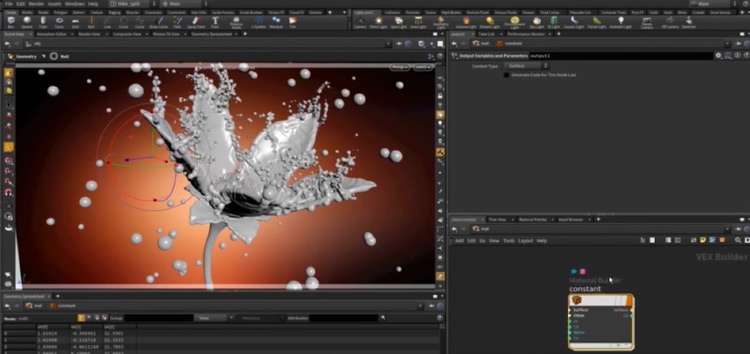
Lush Houdini Software Tutorial Wallpaper for Desktop
Immerse yourself in the stunning details of this beautiful houdini software tutorial wallpaper, designed for a captivating visual experience.
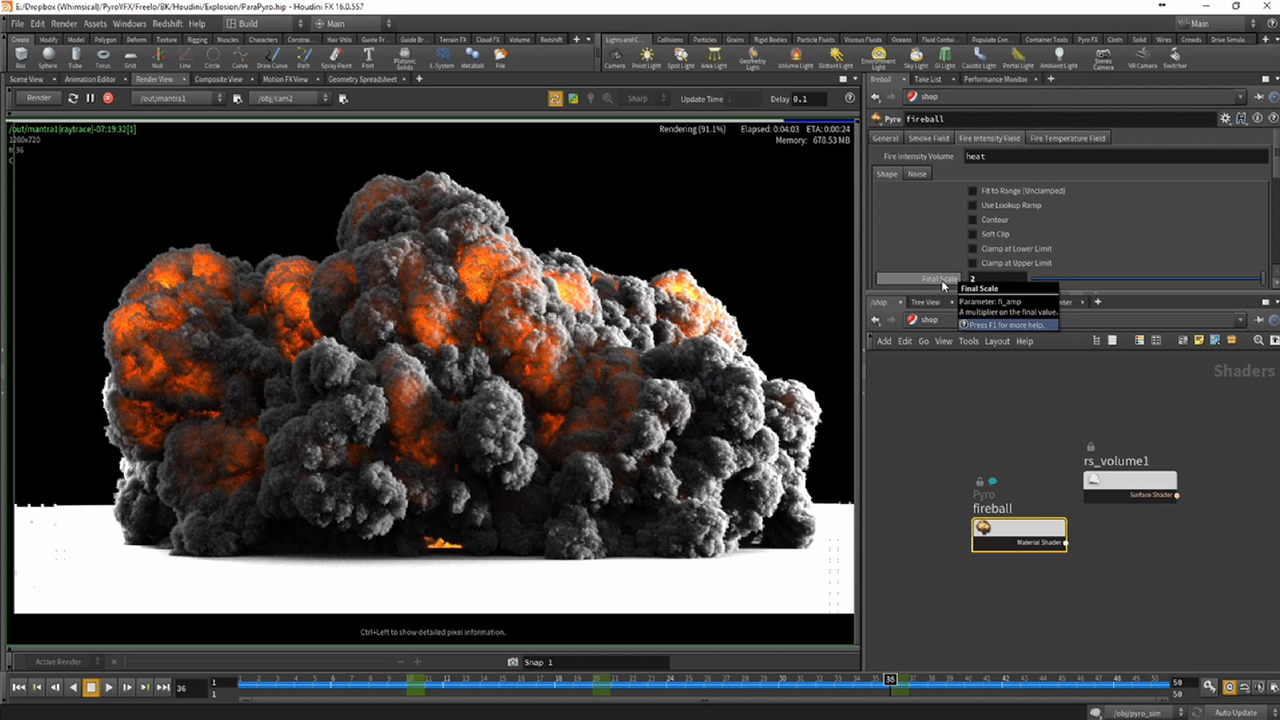
Artistic Houdini Software Tutorial Capture in HD
A captivating houdini software tutorial scene that brings tranquility and beauty to any device.
Captivating Houdini Software Tutorial Wallpaper Digital Art
Find inspiration with this unique houdini software tutorial illustration, crafted to provide a fresh look for your background.

Amazing Houdini Software Tutorial Image Nature
Explore this high-quality houdini software tutorial image, perfect for enhancing your desktop or mobile wallpaper.

Vibrant Houdini Software Tutorial Image for Desktop
Transform your screen with this vivid houdini software tutorial artwork, a true masterpiece of digital design.
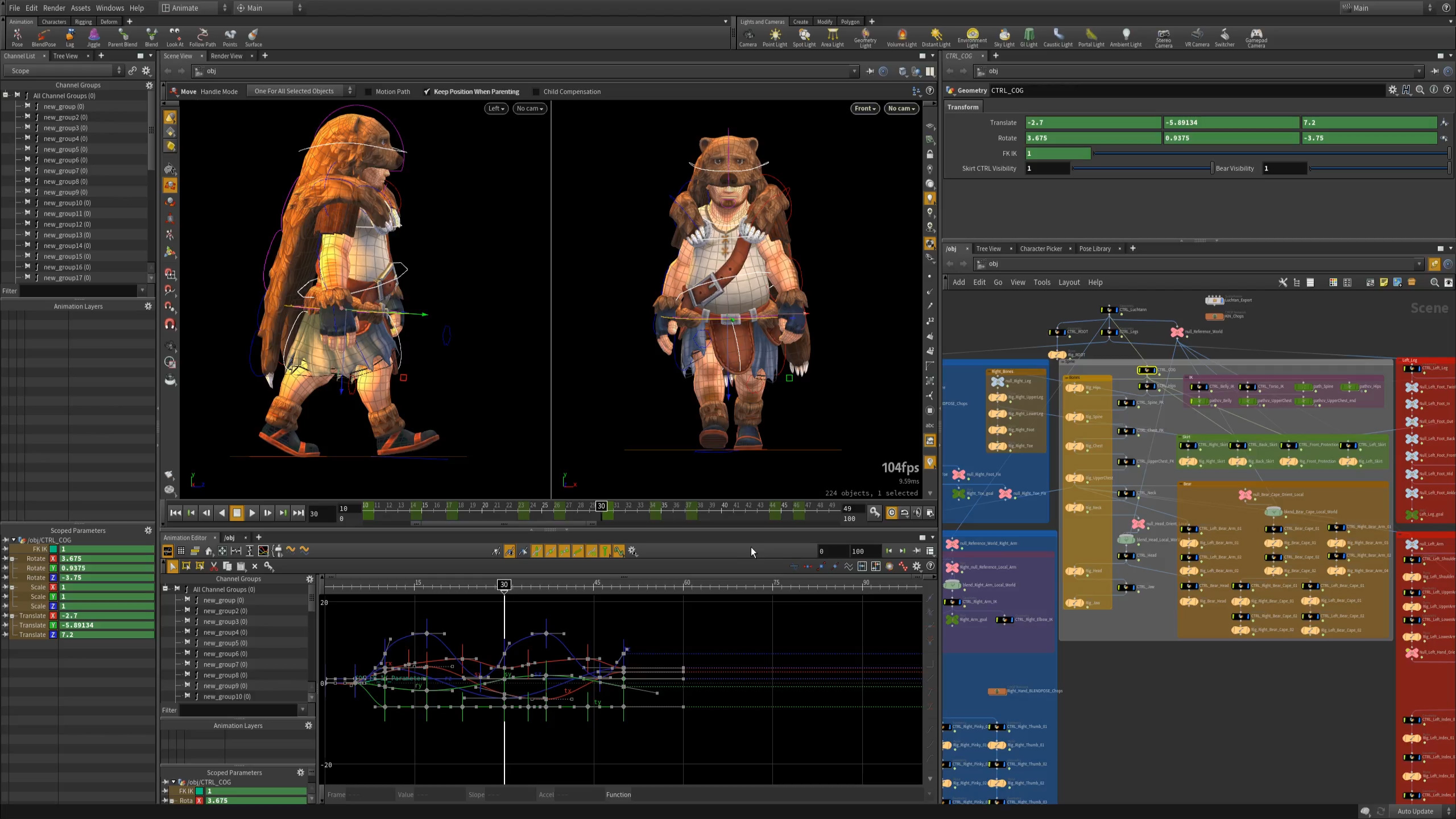
Amazing Houdini Software Tutorial Scene Collection
Explore this high-quality houdini software tutorial image, perfect for enhancing your desktop or mobile wallpaper.
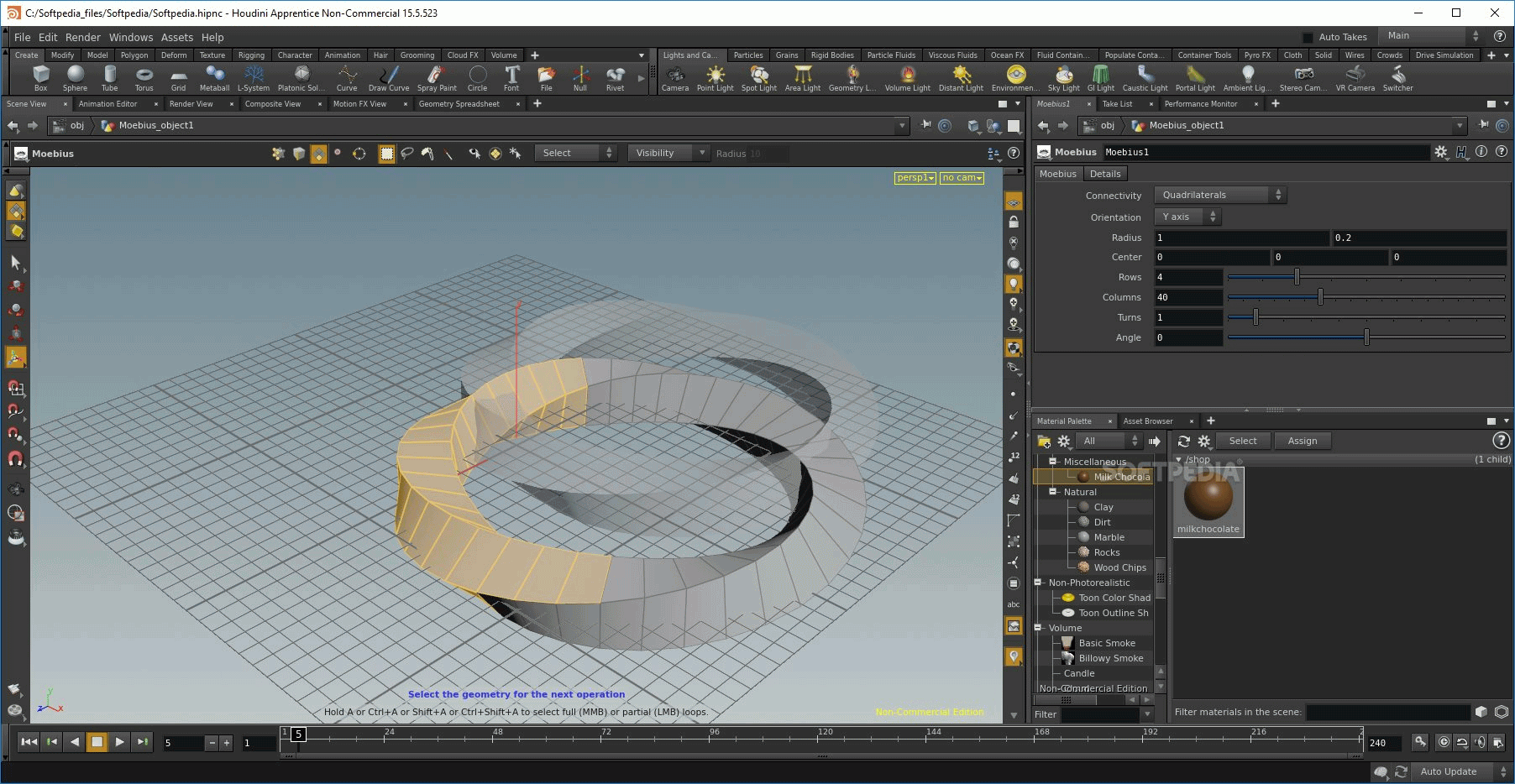
Exquisite Houdini Software Tutorial View Illustration
Find inspiration with this unique houdini software tutorial illustration, crafted to provide a fresh look for your background.

Serene Houdini Software Tutorial Scene Photography
Experience the crisp clarity of this stunning houdini software tutorial image, available in high resolution for all your screens.

Mesmerizing Houdini Software Tutorial Photo for Your Screen
Transform your screen with this vivid houdini software tutorial artwork, a true masterpiece of digital design.
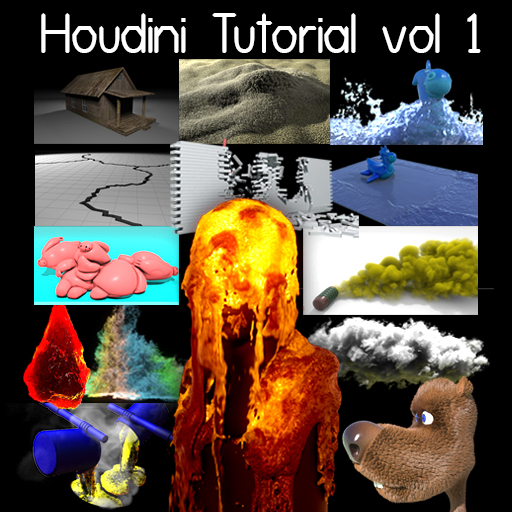
Mesmerizing Houdini Software Tutorial Capture Nature
Explore this high-quality houdini software tutorial image, perfect for enhancing your desktop or mobile wallpaper.
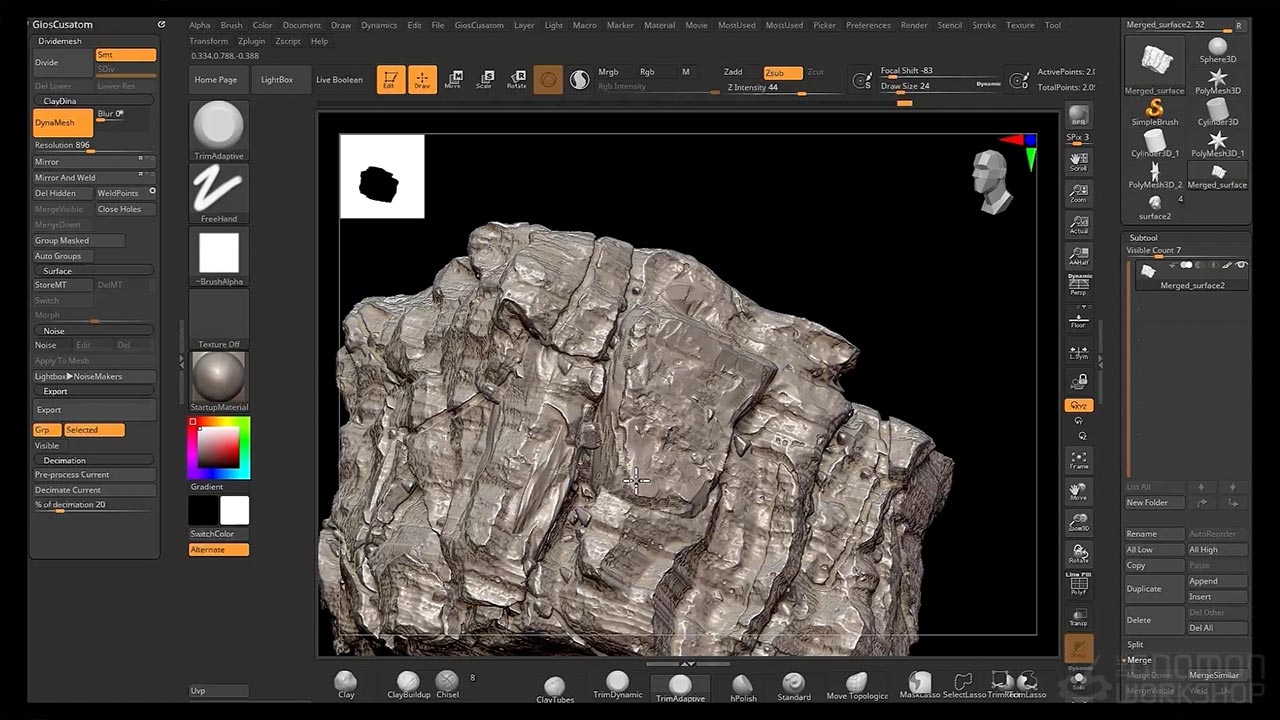
Beautiful Houdini Software Tutorial Capture in HD
Explore this high-quality houdini software tutorial image, perfect for enhancing your desktop or mobile wallpaper.

Stunning Houdini Software Tutorial Artwork Nature
This gorgeous houdini software tutorial photo offers a breathtaking view, making it a perfect choice for your next wallpaper.

Detailed Houdini Software Tutorial Scene for Desktop
Transform your screen with this vivid houdini software tutorial artwork, a true masterpiece of digital design.

Stunning Houdini Software Tutorial Design in HD
Find inspiration with this unique houdini software tutorial illustration, crafted to provide a fresh look for your background.
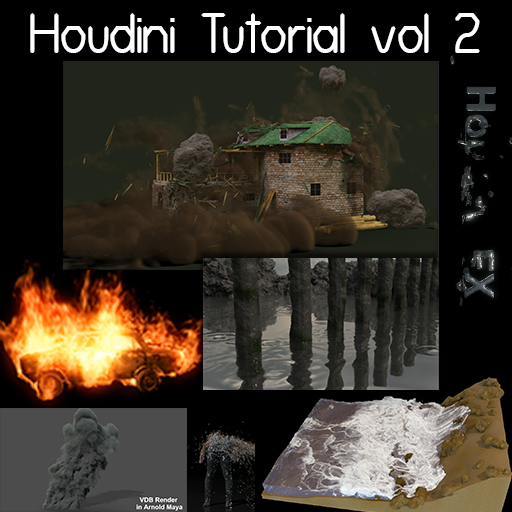
Dynamic Houdini Software Tutorial Photo for Mobile
Immerse yourself in the stunning details of this beautiful houdini software tutorial wallpaper, designed for a captivating visual experience.
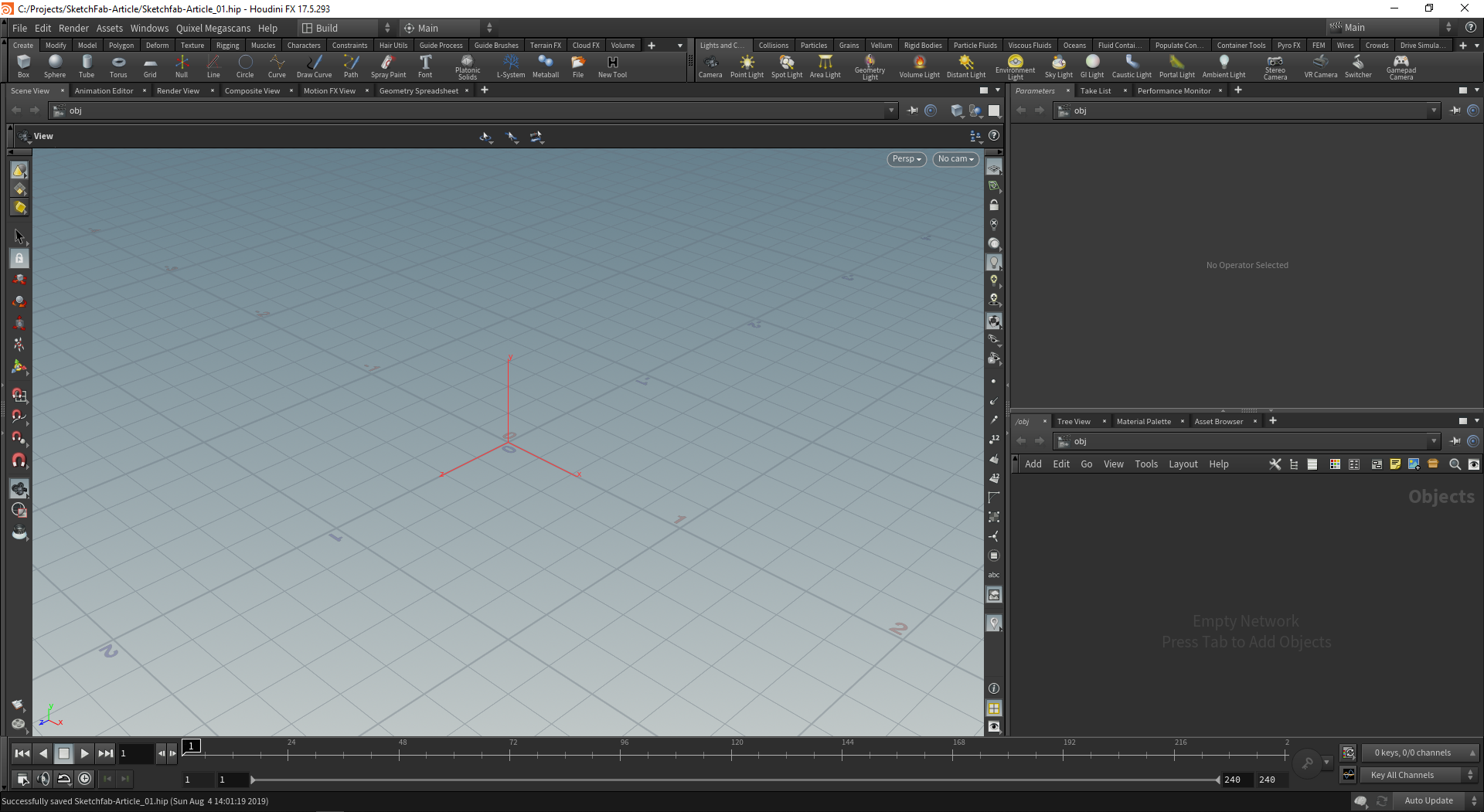
Gorgeous Houdini Software Tutorial Moment for Desktop
Find inspiration with this unique houdini software tutorial illustration, crafted to provide a fresh look for your background.

Stunning Houdini Software Tutorial Picture in HD
A captivating houdini software tutorial scene that brings tranquility and beauty to any device.

0 Response to "Houdini Software Tutorial"
Post a Comment