Employee Surveillance Software
The Ultimate Guide to Employee Surveillance Software: What You Need to Know
The modern workplace is changing rapidly. With the massive shift towards remote and hybrid work models, many employers are facing a brand new challenge: how do you maintain productivity, accountability, and security when your team isn't physically in the office? This is where Employee Surveillance Software steps in.
If you are a business owner, a manager, or even an employee curious about how monitoring works, you've come to the right place. We're going to break down what this software is, why it's controversial, and how you can use it responsibly to boost your business without crossing ethical lines.
Let's dive into the complex world of workforce monitoring and find out if this tool is the right fit for your organization.
What Exactly is Employee Surveillance Software?
In simple terms, Employee Surveillance Software—sometimes called employee monitoring or workforce analytics software—is a tool designed to track and record employee activity during work hours. These programs are usually installed on company-issued computers or devices.
The core purpose is to gain insights into how employees spend their time. For employers, this offers critical data points about workflow efficiency, identifying bottlenecks, and ensuring compliance with working hours, especially for hourly employees working from home.
The capabilities of this software range dramatically. Some tools are simple time trackers, while others offer deep, comprehensive monitoring that includes real-time screen viewing and email scanning. The specific features determine how intrusive, or conversely, how useful, the tool will be for your company culture.
Why Companies Are Using Monitoring Tools Now
The shift to distributed teams is the single biggest driver behind the adoption of Employee Surveillance Software. When managers can't physically see their teams, they need reliable data to ensure tasks are being completed efficiently and securely.
Furthermore, data security has become paramount. Insider threats—whether accidental or malicious—can cause massive financial and reputational damage. Monitoring software helps employers detect unusual activity, preventing sensitive information from being leaked or misused.
However, the use of this technology generates significant debate. Let's look at the advantages and the unavoidable ethical complications.
The Good Side: Benefits for Business Owners
When used correctly and ethically, monitoring tools can deliver substantial benefits to the bottom line. They move management from being based on "trust" alone to being based on actionable data, which is a significant advantage in competitive markets.
- Increased Productivity Insight: You can accurately identify where time is being spent—or wasted. This allows for better resource allocation and workflow optimization.
- Enhanced Security: Tools can flag suspicious downloads, unauthorized access attempts, or large file transfers, protecting proprietary information.
- Accurate Payroll: For hourly workers, especially contractors, tracking software ensures accurate billing and verifiable proof of hours worked, reducing payroll disputes.
- Fair Performance Reviews: Performance is judged by verifiable output data, rather than subjective observation, making reviews fairer and more objective.
Ultimately, these tools help ensure everyone is contributing effectively, especially when managing high-volume or critical projects where compliance is non-negotiable.
The Flip Side: Ethical Concerns and Privacy Issues
The biggest hurdle in adopting this technology is trust. Employees often feel that pervasive monitoring is a sign of management mistrust, leading to increased stress and burnout, also known as "e-presenteeism."
When monitoring is too intrusive, it can severely damage morale and foster a hostile work environment. Employees worry about their private life bleeding into monitored work time, especially if they are using their personal devices or working from home.
Furthermore, legal compliance varies greatly by jurisdiction. Depending on where your employees are located, laws regarding consent, data collection, and privacy rights might restrict the kind of monitoring you can legally implement. Transparency is not just ethical; it's often a legal requirement.
Key Features to Look for in Employee Surveillance Software
When evaluating different monitoring solutions, it is crucial to understand the spectrum of features available. You need a tool that aligns with your specific needs—whether that's simple time tracking or comprehensive data loss prevention.
Activity Tracking and Time Logs
This is the baseline function for most Employee Surveillance Software. It logs when an employee starts and stops work and records the time spent in different applications or on specific websites. Many tools classify these activities as "productive," "neutral," or "unproductive" based on custom settings.
These logs provide managers with detailed data visualizations, showing trends in efficiency across teams or specific projects. They are invaluable for billing clients accurately and managing deadlines effectively.
Keystroke Logging and Screenshots
These features are considered highly intrusive and require careful implementation. Keystroke logging records every key pressed, which is useful for security but poses major privacy risks, especially if passwords or personal information are inadvertently captured.
Screenshots, often taken randomly or at set intervals, provide visual proof of work being done. While helpful for validating task progress, employers must ensure they are only capturing activity during official working hours and on company-owned software to respect privacy.
Geolocation and Remote Access
Geolocation tracking is often used for employees who travel or work in the field (e.g., sales representatives or delivery drivers). It confirms that the employee is at the required location during their shift.
Remote access features allow IT or management to view an employee's screen in real time or take control of the device to resolve technical issues. This is a crucial element for IT support but should be restricted only to technical troubleshooting situations.
Implementing Employee Monitoring: Best Practices
If you decide that Employee Surveillance Software is right for your business, successful implementation depends entirely on transparency and communication. You want to foster accountability, not fear.
Here are the key steps to implement monitoring ethically and effectively:
- Establish Clear Policies: Before installing any software, create a detailed, written policy stating exactly what is monitored, when it is monitored (only during working hours), and the purpose of the data collection.
- Get Consent: Ensure employees explicitly understand and consent to the monitoring policy. This is often a legal necessity and builds trust.
- Focus on Output, Not Presence: Use the data to coach and improve performance, not simply to track how long someone sits at their desk. Focus on productive metrics and outcomes.
- Limit Monitoring Scope: Only monitor company-owned devices and software. Avoid tracking personal communications or activities unrelated to work.
- Train Managers: Managers need training on how to interpret monitoring data fairly and how to communicate results constructively, ensuring the tools are used for support rather than punishment.
By following these best practices, you can leverage the power of monitoring technology while preserving a positive, high-trust company culture.
Conclusion: Finding the Balance with Employee Surveillance Software
The debate surrounding Employee Surveillance Software is ongoing, but its relevance in the remote work era is undeniable. These tools offer powerful ways to verify productivity, manage time accurately, and protect sensitive corporate data, offering peace of mind to business leaders.
However, the ethical pitfalls are real. The success of any monitoring program hinges on transparency, clear communication, and a commitment to using the gathered data fairly. When implemented thoughtfully, employee monitoring can be a powerful asset; when implemented invasively, it can become a toxic liability.
Choose your software carefully, define your purpose clearly, and always prioritize the privacy and dignity of your team members. This balance is key to thriving in the distributed workplace.
Frequently Asked Questions (FAQ)
- What is the main difference between time tracking and full surveillance software?
- Time tracking software typically just logs start/stop times and active vs. idle time. Full surveillance software, like certain Employee Surveillance Software options, includes more invasive features such as keystroke logging, random screenshots, video feeds, and deep email analysis.
- Is it legal to use Employee Surveillance Software on remote employees?
- Generally, yes, provided the employee is using company-owned equipment and the monitoring takes place during work hours. However, legal requirements for notification and consent vary greatly by state and country (e.g., the GDPR in Europe imposes very strict limits). Always consult legal counsel.
- Does monitoring software track personal activity on company laptops?
- A good, ethical policy dictates that monitoring should cease outside of designated work hours. However, the software technically has the capability to track all activity while running. This is why employees must be explicitly informed about the limits of monitoring and the policy on personal use of company devices.
- How can employers minimize the negative impact on employee morale?
- Transparency is crucial. Explain *why* the software is being used (e.g., security, fair billing) and emphasize that it monitors output, not effort. Focus on coaching derived from the data rather than using the software purely for punitive measures.
Employee Surveillance Software
Employee Surveillance Software Wallpapers
Collection of employee surveillance software wallpapers for your desktop and mobile devices.
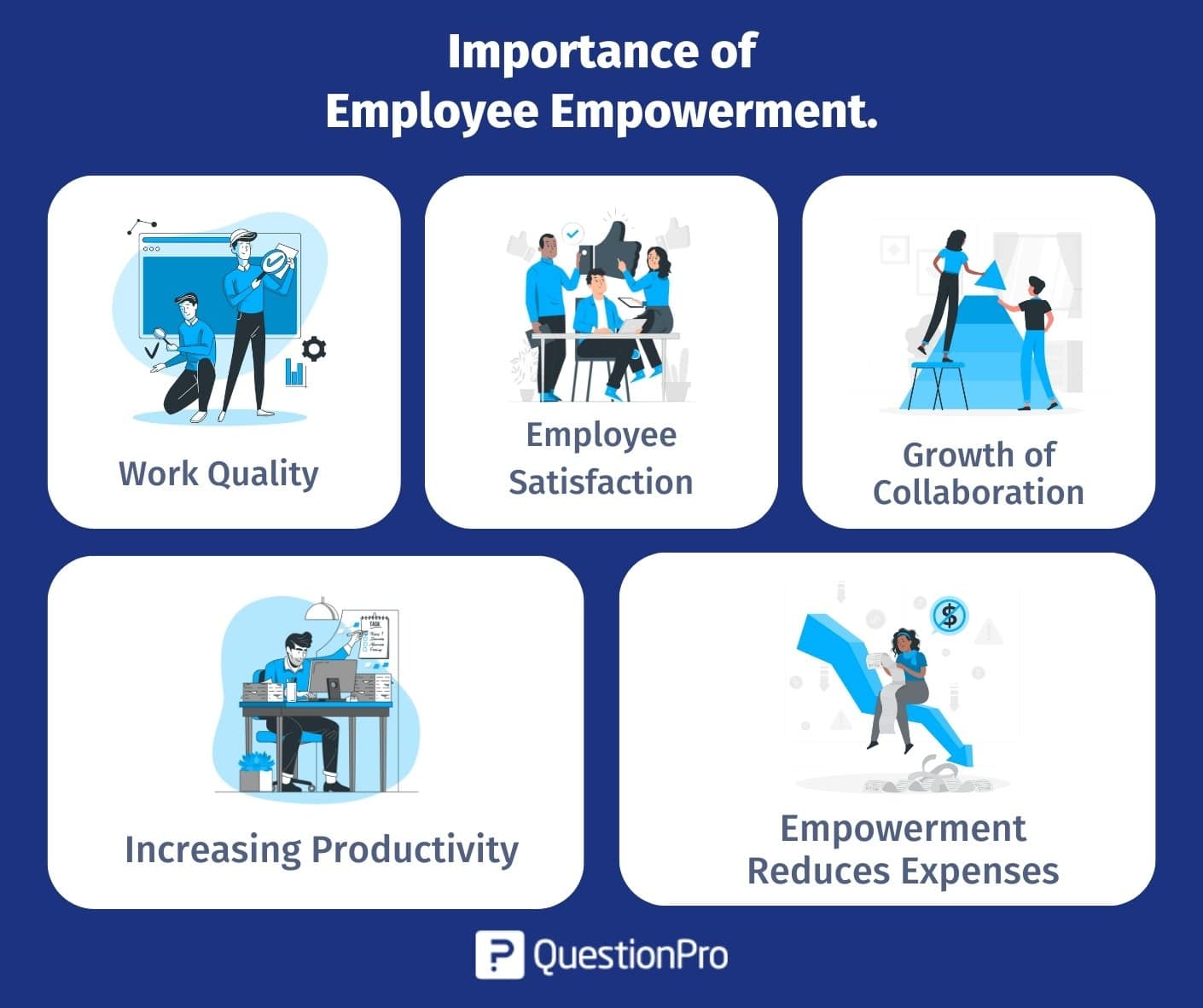
Exquisite Employee Surveillance Software Photo Photography
Find inspiration with this unique employee surveillance software illustration, crafted to provide a fresh look for your background.

Amazing Employee Surveillance Software Background Digital Art
Transform your screen with this vivid employee surveillance software artwork, a true masterpiece of digital design.
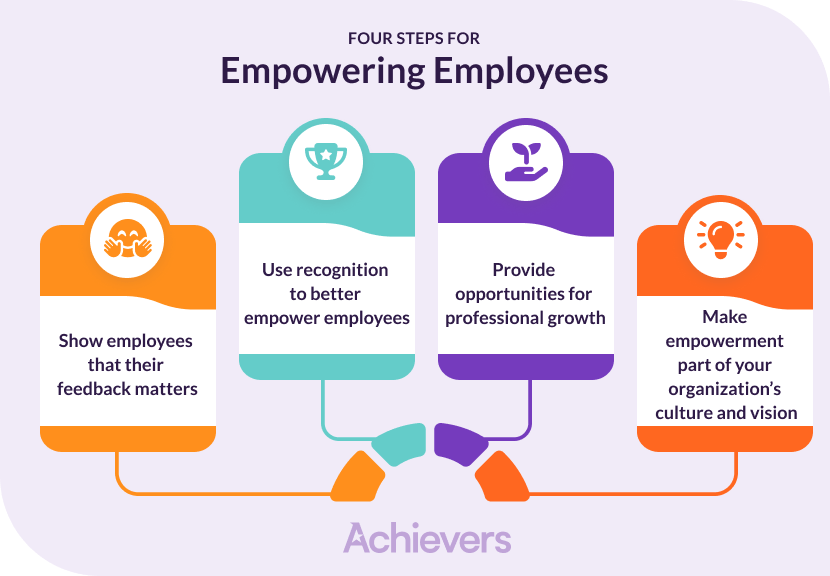
Exquisite Employee Surveillance Software Landscape for Desktop
A captivating employee surveillance software scene that brings tranquility and beauty to any device.

High-Quality Employee Surveillance Software Capture Illustration
Transform your screen with this vivid employee surveillance software artwork, a true masterpiece of digital design.

Exquisite Employee Surveillance Software Landscape Collection
This gorgeous employee surveillance software photo offers a breathtaking view, making it a perfect choice for your next wallpaper.

Spectacular Employee Surveillance Software View Concept
This gorgeous employee surveillance software photo offers a breathtaking view, making it a perfect choice for your next wallpaper.

Detailed Employee Surveillance Software Moment Digital Art
Experience the crisp clarity of this stunning employee surveillance software image, available in high resolution for all your screens.

Serene Employee Surveillance Software Scene Illustration
Discover an amazing employee surveillance software background image, ideal for personalizing your devices with vibrant colors and intricate designs.

Beautiful Employee Surveillance Software Background for Your Screen
Discover an amazing employee surveillance software background image, ideal for personalizing your devices with vibrant colors and intricate designs.

Dynamic Employee Surveillance Software Photo in HD
Find inspiration with this unique employee surveillance software illustration, crafted to provide a fresh look for your background.
Vivid Employee Surveillance Software View Illustration
Experience the crisp clarity of this stunning employee surveillance software image, available in high resolution for all your screens.
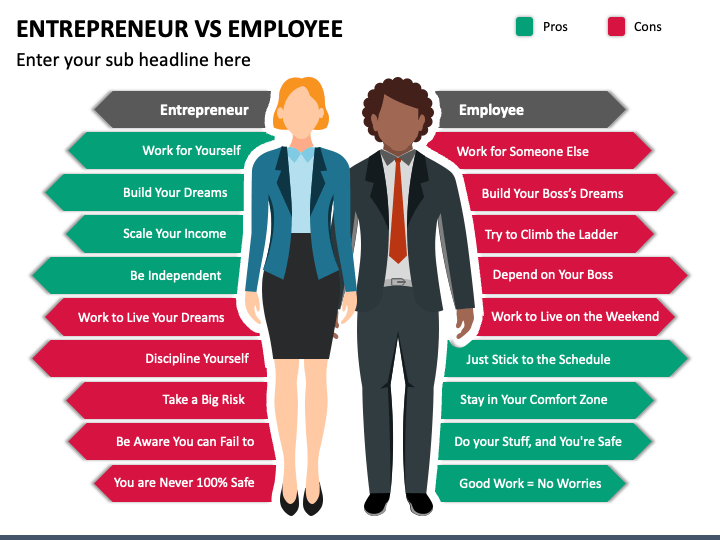
Breathtaking Employee Surveillance Software Photo Collection
Transform your screen with this vivid employee surveillance software artwork, a true masterpiece of digital design.
Spectacular Employee Surveillance Software Capture Photography
Immerse yourself in the stunning details of this beautiful employee surveillance software wallpaper, designed for a captivating visual experience.
Serene Employee Surveillance Software Background Art
Discover an amazing employee surveillance software background image, ideal for personalizing your devices with vibrant colors and intricate designs.
Captivating Employee Surveillance Software Landscape for Desktop
Immerse yourself in the stunning details of this beautiful employee surveillance software wallpaper, designed for a captivating visual experience.
Vivid Employee Surveillance Software Artwork for Mobile
Experience the crisp clarity of this stunning employee surveillance software image, available in high resolution for all your screens.
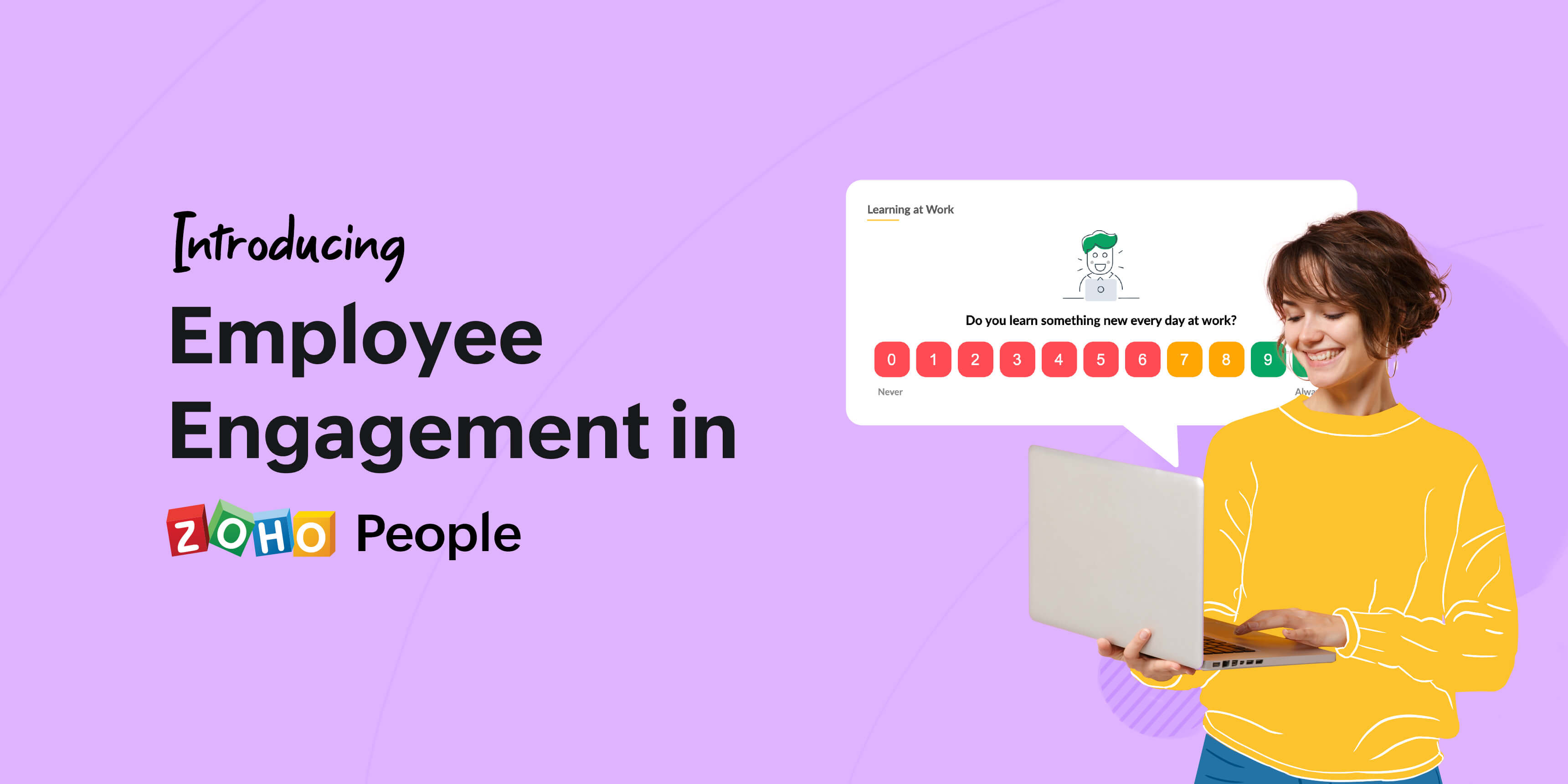
High-Quality Employee Surveillance Software Capture Art
Transform your screen with this vivid employee surveillance software artwork, a true masterpiece of digital design.
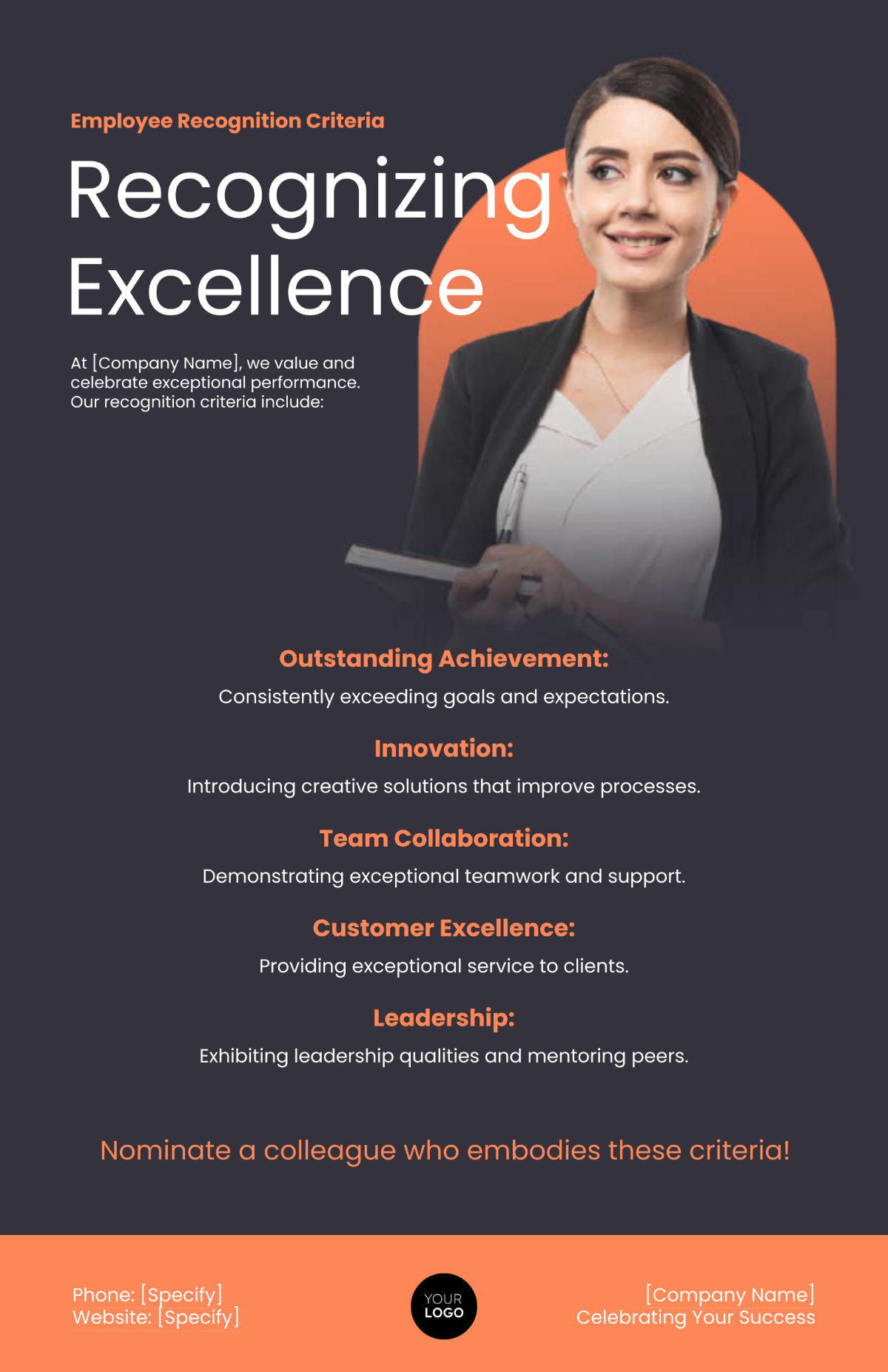
Gorgeous Employee Surveillance Software Landscape Illustration
This gorgeous employee surveillance software photo offers a breathtaking view, making it a perfect choice for your next wallpaper.

Crisp Employee Surveillance Software Abstract in HD
Immerse yourself in the stunning details of this beautiful employee surveillance software wallpaper, designed for a captivating visual experience.
0 Response to "Employee Surveillance Software"
Post a Comment